The app offers basic drawing tools for quick creation and image manipulation. Users can add text, resize, rotate, flip, crop, and combine images, with full undo/redo support.
by 勇 陈★ 0.00 ratingsUtilities$9.99Data updated 2026-10-07
Take quick notes by drawing or writing with your finger. Sketch, doodle, and create diagrams directly on the screen. Save and organize notes in multiple pages. Export notes as images or PDFs. Share notes via email or social media.
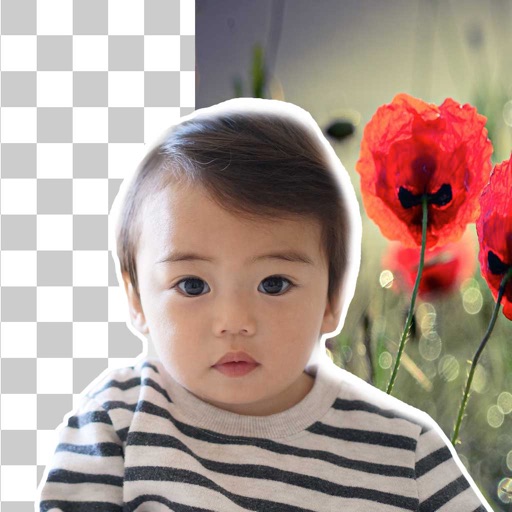
Remove backgrounds from photos using brush tools with adjustable size and hardness. Erase selected areas with undo and redo options. Add text with customizable font and formatting. Place edited photos on various templates.
The app allows users to draw and display custom marquees. Users can export their creations as MP4 videos, utilizing multi-color options, adjustable stroke widths, and four directional movements.
The app allows users to create and share black and white drawings within a thirty-two by thirty-two square. It offers features like 1-bit drawing, grayscale options, zooming, undo/redo, symmetry modes, and pixel manipulation.
The app is a mind mapping tool that helps users generate, visualize, and structure ideas. It supports floating topics, sidebars, and photo attachments, and can export maps in multiple formats.
Perform arithmetic, logical, and memory operations. Calculate modulo, bit shifts, and bitwise functions. Save and load values. Switch number bases and modes via device rotation or screen edges.
Create artwork using brushes, futuristic backgrounds, and glowing stickers. or paint with finger swipes. Add text and notes with the text editor. Apply effects to photos and over them. Save and share edited images.