Perform complex number calculations and trigonometric functions. Handle matrix operations and numerical root finding. Calculate integrals and statistical values including linear regression. Write and execute custom programs. No ads or in- purchases.
by Greg Hewgill★ 4.3228 ratingsUtilitiesFreeData updated 2026-09-08
The app offers six calculator types including graphing, handwriting, and scientific functions. It displays equations and results simultaneously, supporting equation solving and graph plotting.
RAY INFORMATICS YAZILIM TEKNOLOJI MEDYA DANISMANLIK VE EGITIM TICARET LIMITED SIRKETI
Calculate loans, budgets, and investments
Calculate metrics with time value of money tools including future value, present value, interest rate, and period. Use scientific notation in calculations. View data visualizations and generate reports. Access formulae and examples for each .
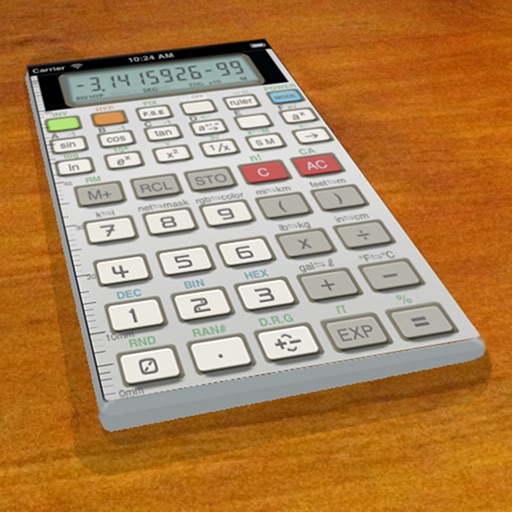
A vintage-style scientific calculator with a retro LCD display and realistic key sounds. Perform basic and advanced calculations, use shift functions, and access additional modern features like parentheses and memory storage.
Calculate electrical power for single phase systems by converting between , , and . Input values to solve for unknowns. Support for three phase calculations including kilowatts, , , and power factor.
Handles large integers and decimal numbers. Perform high-precision addition, subtraction, multiplication, and division. Save and recall previous calculations. Convert between formats.
The app performs calculations with up to 15 digits of precision and supports a number range from -1E127 to 1E127. It includes a database of over 120 scientific constants that users can extend.
Calculate with formulas and swipe between calculators
A calculator displays formulas during calculations. Users can switch between seven calculators by swiping. Perform basic and advanced math operations. Store and reuse calculation history. Adjust display settings for different modes.
Calculate in binary, hex, and decimal simultaneously
Convert numbers between binary, hexadecimal, and decimal bases. Display all three bases simultaneously. Switch input modes and see results in all bases. Perform arithmetic, logic, and bitwise operations. Support unsigned and 2’s complement numbers.
The provides scientific calculations, unit conversion, and logic-based computations. Users can switch between modes. It includes a built-in manual for operation guidance. Perform n-base conversions and unit-based calculations.
Create personalized calculators with custom formulas.
The app allows users to design calculators with custom formulas and input labels. Users can create an unlimited number of personalized calculators for various needs.
Perform complex calculations with parentheses, exponents, and multiple operations. Solve equations, convert units, and use scientific functions. Save and recall previous calculations. Share results via copy-paste or email.
Calculate component values for desired corner frequency, resistance, capacitance, or inductance. Find combinations of resistors, capacitors, and inductors. View detailed calculations and formulas. Export results. Remove ads with PRO version.
Create and test mathematical algorithms with a powerful computational engine. Build interactive plots and animations. Execute code and view results in real-time. Share calculations and export data in multiple formats.
Calculate with four modes: basic for arithmetic and percentages, scientific for algebra and trigonometry, programming for command line expressions in multiple numerical systems, and minimalist for simplicity.
Calculate with trigonometric and exponential functions
Store values by pressing "STO" and selecting a memory slot. Perform basic arithmetic and advanced mathematical functions including sine, cosine, logarithm, and exponential.