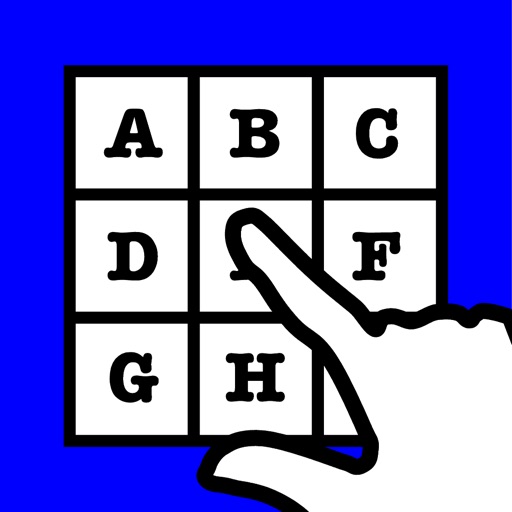
The app presents an alphabetically ordered set of buttons for typing messages. The keyboard can be configured for English or Spanish and can speak keys as they are pressed.
by John Coddington★ 4.84 ratingsEducationFreeData updated 2026-10-07
Text allows users to extract key points from articles, documents, and books. Users can input text or upload files to generate concise summaries. The highlights important details and presents them in organized formats.
Solve puzzles by identifying common words in picture sets. Play with friends or family. Choose from English, Spanish, or Korean language options. No registration required. Share results and compete with others.
Learn with explanations, examples, and quizzes covering 138 points. Practice through interactive exercises and track progress. Improve writing and speaking skills by mastering sentence structure.
Learn English and Spanish through videos, books, and games. Practice vocabulary and pronunciation with interactive activities. Switch between languages to reinforce skills. Track progress with built-in assessments.
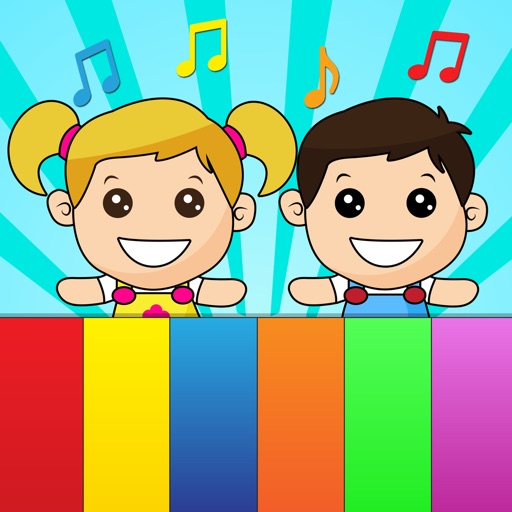
The app offers two playing modes for children and babies, featuring a colorful keyboard with 8 notes and real instrument sounds. It includes nursery rhymes and allows users to play their own songs in the full version.
Practice with an AI avatar for real conversations. Engage in multi-turn dialogues on daily topics. Receive real-time feedback on speaking skills. Set daily practice goals and track progress. Adjust speaking pace and vocabulary difficulty.
Access information with alphabetically organized entries. View indications, dosages, contraindications, and adverse reactions. Unlock full content via in- purchase. Includes sample content in the free version.
Translate text between and by speaking, typing, or using the camera. Convert spoken words to text in real time. Translate images of text from camera or documents. Share translated text or save as notes.
Look up English words with translations. Translate text between English and . Use keyboard to type messages, store data, and write social media posts in .
Learn about resistors and resistance with interactive simulations. Configure up to eight component sections. Measure voltages across resistors and current through series and parallel circuits. Solve electrical circuits.
Create and control orchestral sounds using MIDI input from external keyboards or Bluetooth devices. Adjust instrument parameters, apply effects, and route audio through Audio Unit or Inter- Audio.
And sight-reading with real instruments like , guitar, or violin. Use note buttons or a virtual keyboard. Receive feedback with smiling kitten animations. View session summaries and adjust settings.
Learn new words and expressions through interactive lessons. Train accent by repeating phrases and receiving feedback. Develop listening skills with audio exercises. Practice speaking with text-to-speech and voice recognition.
The app shows the time in over 400 locations and their GMT offsets. It calculates time differences between two time zones and displays the day relative to the device's current time zone in 32 languages.