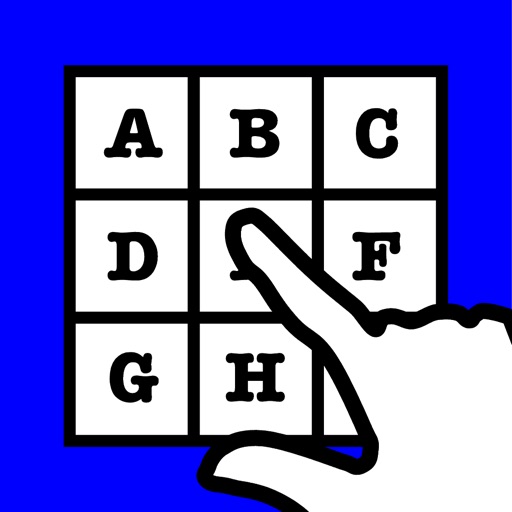
The app presents an alphabetically ordered set of buttons for typing messages. The keyboard can be configured for English or Spanish and can speak keys as they are pressed.
by John Coddington★ 4.84 ratingsEducationFreeData updated 2026-10-07
Learn vowels, consonants, and numbers through interactive writing exercises. Practice pronunciation with audio guides. Save progress offline and review letters with visual aids. and speak without internet access.
And mark hidden in a grid by searching horizontally, vertically, or diagonally. are listed on the right side. Tap a word to highlight it with a sound and animation. Add custom and start a new game using the top buttons.
By mastering essential vocabulary in English, Spanish, German, French, Italian, Portuguese, and more. Practice with the Swipe Learning Method. Track progress and review regularly. Set goals for vocabulary retention.
Explore in multiple languages including English, Spanish, French, and Italian. Parents can help children learn to read and explore different cultures. New are added weekly by a creator community.
The app trains reading notes on all 88 keys within various key signatures. It offers customizable practice options for different skill levels and tracks user progress with informative graphs.
Translate words between Arabic and five languages: English, German, French, Italian, Spanish. Speak translations aloud. Access over 450,000 entries without internet. Includes 60,000 English-to-Arabic and 66,700 German-to-Arabic entries.
The app offers a 6-dot braille on-screen keyboard with support for various 6-dot braille codes. It allows for an indefinite number of 40-cell braille lines and includes cut, copy, and paste functionality.
Send encrypted messages using historical ciphers like A1Z26, Caesar Shift, and Vigenere. Encrypt text with customizable settings. Share coded messages via text or email. Decode messages using the same methods. View details and instructions.
Interactive book allows users to read the version of " Red Cap" by pressing buttons on each page. Each word can be tapped to learn its pronunciation and meaning.
Through interactive lessons and exercises that include reading, writing, and listening activities. Study 1000 vocabulary words with images and audio. Complete activities and tests for each of 60 topics across 11 worlds.
Connect with native English speakers for conversation practice. Join or create groups to improve fluency. Practice in real-time chats. Receive feedback on pronunciation and grammar. Track progress through weekly goals and activity logs.