The app presents a relaxing experience combining music, art, and science. Users interact with star flow using multiple fingers to generate distinct animations and control particle behavior.
by ABCiSoft★ 3.716 ratingsEntertainmentFreeData updated 2026-10-06
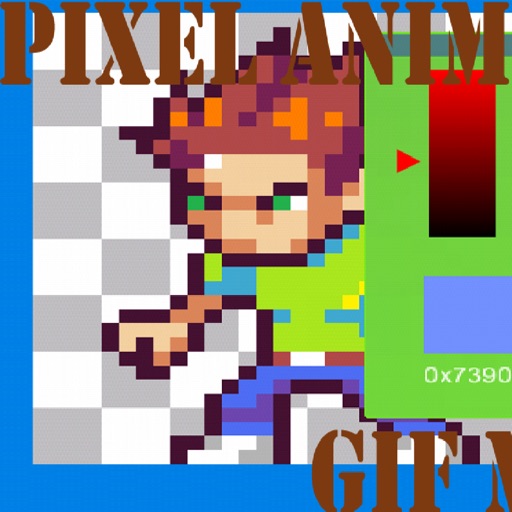
Create frame-by-frame animations using drawing tools. Share animations with a community. Participate in themed contests. Export animations in multiple formats. Sync with flipbook style playback. Collaborate with other creators.
Create art with a complete toolset including layers, timelines, and advanced coloring. Edit spritesheets, GIFs, and game assets. Use touch or pen for optimized drawing. Render with high-performance Metal technology.
Create cards by adding photos to customizable and cake designs. Edit images with cropping, filters, and text tools. Share finished cards via email or social media.
Place dots to create colorful that fill a drawing. The dominant color wins each level. Adjust dot placement to influence the race outcome. Play quickly in short sessions or explore longer gameplay. Syncs with Apple Health.
Create pixel art by tapping and coloring by number. Select from a bright color palette to match designs. Access a wide variety of original, high-quality images. Save and share completed artwork.
Create and customize by stretching, breaking, and drawing on the screen. Add 2D and 3D objects. Use touch gestures to interact with the . Apply various textures and effects. Earn in-game currency through play. Share creations with friends.
View animations with customizable play effects. Set unique animations or add videos as displays. Choose from various cool visual effects to personalize the experience.
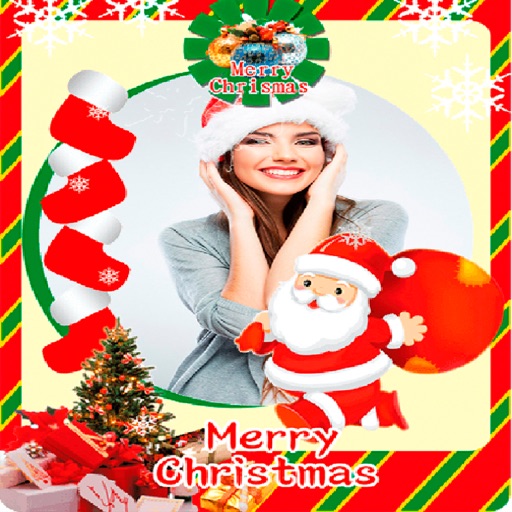
Create greeting cards by adding photos to frames. Select images from the gallery or take new photos. Choose from various frames and adjust photos with zoom and rotation. Share cards with friends and family.
Play by tapping to launch orbs and matching three or more of the same color to make them disappear. Complete levels with various goals. Use boosters to assist. Explore different levels and orb types.
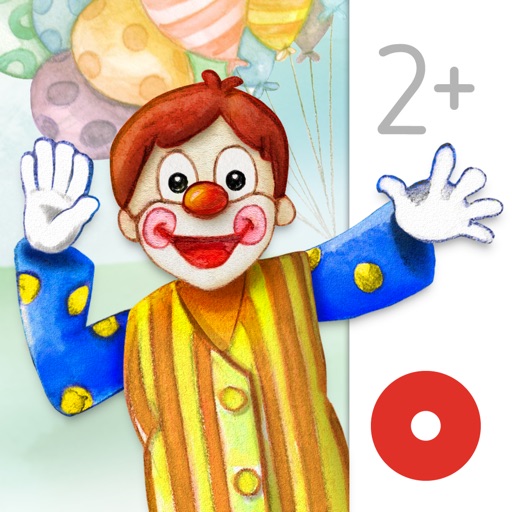
Read interactive picture books with hand-drawn illustrations and over 80 animations. Tap to trigger animations and explore scenes. Share progress and favorite pages with parents.
Play with an 88-key virtual keyboard. Use multitouch, adjust metronome settings, and control sustain pedal. Access double row keyboard layout and high-resolution graphics. Customize sound options and save performance settings.
Create AI-generated art of your pet with customizable designs. Add stickers to iMessage and a widget to your home screen. Use pet-specific prompts to generate unique artwork. Share stickers directly from the .
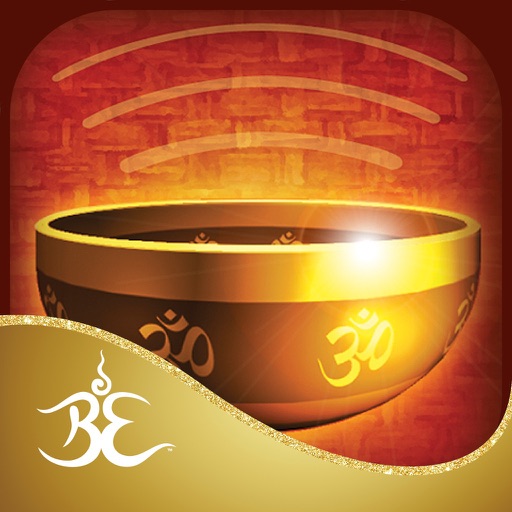
The app allows users to create harmonic tones by swirling fingers around bowls or tapping various instruments. Users can record and play back their creations for relaxation and meditation.
Create dynamic sandscapes by painting and dragging to shape particles. Watch flow, stack, and interact with walls and fluids. Customize colors and experiment with different particle behaviors. Share creations directly.
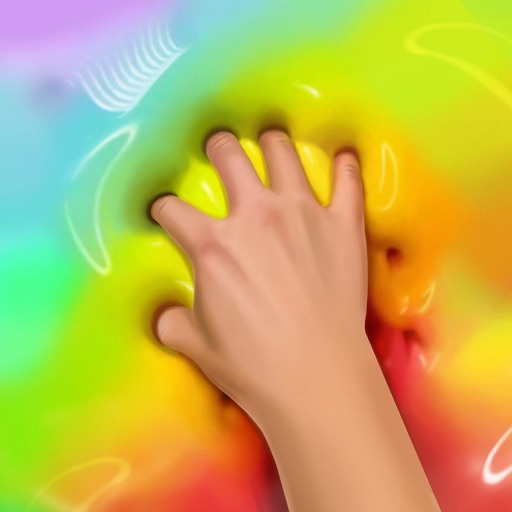
Create calming, trippy art by touching the screen to simulate flowing, colorful . Manipulate patterns with single or multiple touches. Explore soothing visuals and sounds to reduce stress and promote relaxation.
Play puzzle games with varying difficulty levels. Solve OneLine puzzles by drawing continuous lines. Complete Flow challenges by connecting cubes with lines. Solve Sudoku, ColorFill, Maze, and Jigsaw puzzles.
The app uses live-calculated brushes and strokes with HDR values for a unique art style. It offers gritty paper/canvas textures that interact with drawing tools for a satisfying look.