The app allows users to build templates for events that occur irregularly and paste them into the user's Calendar. Users can stop going through the tedious process of providing every event detail over and over again.
by Christian Tietze★ 4.09 ratingsProductivity$1.99Data updated 2026-10-06
View daily, weekly, and monthly schedules with a minimalist design. Add events and set reminders. Access widgets on home and lock screens for quick checks. Sync across devices and receive notifications for upcoming events.
Lets users store and reuse templates for common text like phone numbers and emails. Templates can be edited and pasted across different interfaces. Multiple copies can be made to save time.
Write and organize text with a minimalist interface. Record appointments and paste code snippets. Use scratchpad features for notes and ideas. Enable undo/redo via shaking. Access lights off mode with swipe gestures.
Manage events with a that includes Snooze and Nag features to delay or remind appointments. Set multiple alerts and customize notification sounds. View events in list, day-list, day-drawn, week, and other formats.
A perpetual calendar displays current and next year's dates. Navigate years with buttons. Switch week start day between Sunday or Monday. Highlight today's date. Show weekly numbers and yearly progress percentage.
Manage events with custom repeat rules and alerts. Set multiple alarms for events including specific dates, days before, and minutes before. Share events via iCal or text. Delete multiple events quickly. Create and copy events. Sync with iPhone .
Capture notes instantly by copying or pasting snippets from your library. Create dynamic templates with variables like dates and counters. Build hierarchical note trees using drag-and-drop. Search across all workspaces quickly.
Paste Pro allows users to manage history, access copied text via custom , and remap copy-paste functions. Users can view paste history, access notes quickly, and separate data for organized storage.
Create text templates for quick insertion in messages. templates across iPhone, iPad, and Mac devices. Add frequently used phrases to save time. Sync clipboard content between devices. Insert templates instantly in new messages.
Plan daily and weekly schedules with a focus on days and weeks. Set habits, highlight important events, and mark memorable moments. Use “sometime this week” for flexible tasks.
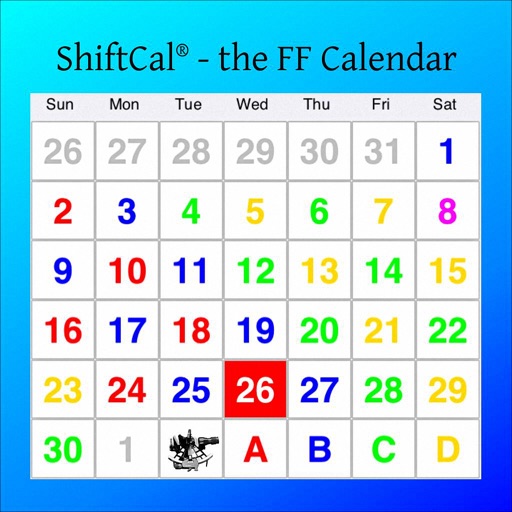
Create and manage schedules with color-coded entries, icons, and short names. Set up rotations with simple taps. Track upcoming shifts and view weekly or monthly calendars. Receive notifications for changes and set reminders.
Provides access to a wide range of special characters including Greek alphabet, numbers, math symbols, bullets, and letterlike symbols. Tap to copy characters to the clipboard and paste them into any application.
The app provides a simple notepad with three switchable tabs. Users can adjust font size by pinching and utilize cut and paste functions with cursor buttons.
The app provides 10 widgets for iOS, including an app launcher, calculator, currency converter, and calendar. Additional features like network monitoring and battery information are available in the Premium Pack.
Save frequently used text snippets and passwords with a dedicated . Quickly switch to the to insert saved phrases. Supports social media platforms like TikTok and Snapchat for quick text input.