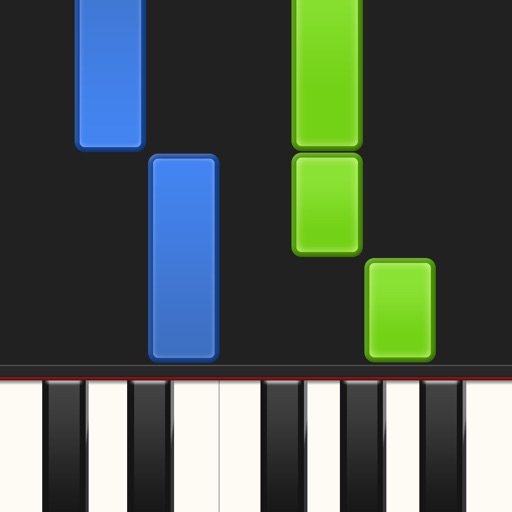
Learn piano by playing falling notes on touchscreen or connected keyboard. Practice melodies with real-time note feedback. Play left or right hand separately. Sync with lighted keyboards. View sheet music or falling note blocks.
by Synthesia LLC★ 3.93,605 ratingsMusicFreeData updated 2026-09-08
Learn guitar, piano, and other instruments through structured . Track progress with practice logs and performance reviews. Access teacher feedback and join community forums for support and collaboration. Share recordings and receive critiques.
Learn and practice , ukulele, bass, and drum and . Access over a million songs offline. Browse history, autoscroll, transpose , and view diagrams with multiple variations. Create and save custom songs. Print and share .
Access hymn texts and music for worship. Search for hymns by text or browse by title and first line. Includes high-quality piano recordings. View and play hymns with lyrics. Share hymns via email or social media.
The app teaches note reading on real instruments through a fun and addicting game. Users can learn to play the trumpet, piano, or guitar with interactive overlays and track their progress.
The app provides a toy keyboard for children with various instrument sounds including piano, guitar, and drums. Users can play notes on a touchscreen keyboard or use the accelerometer to trigger automatic performances and record songs.
Edit and remix music by separating tracks like vocals, drums, and guitar. Add MIDI instruments and apply audio effects. Use AI chord detection and a smart metronome. Remove vocals or isolate instruments from any song.
Learn piano, guitar, or ukulele and through interactive exercises. Practice with a MIDI keyboard or recognize notes by ear using a microphone. Track progress on , , and . View detailed explanations of musical concepts.
Learn to play the piano keyboard with realistic instruments and interactive lessons. Access piano songs and HD visuals. Play Piano Tiles and Magic Keys mini games. Use single keyboard or multi-colored piano layouts. No Wi-Fi required for gameplay.
The app allows users to compose piano music using standard notation on a score sheet. Users can adjust playback settings and listen to compositions individually or in a playlist.
Play notes by tapping the screen to create melodies. Choose from various songs across genres. Practice scales and chords. Track progress and unlock new pieces. Adjust tempo and difficulty levels. View interactive sheet and visual feedback.
Guide a cat through an endless obstacle course by tapping and dragging to jump on rhythm-based tiles. Navigate levels set to catchy with parkour-style movement. Collect items and avoid hazards while following the beat.
The app provides a piano learning experience for children with 20 song boards featuring colorful notes. It includes a "Musician" mode where the piano plays songs automatically and offers five selectable instruments.
The app allows users to improvise on a piano keyboard by tilting their iPhone. Users can play diatonic chords and change scales by flicking the staff notation.
Learn with interactive lessons, sheet music visualization, rhythm games, and video tutorials. Practice with crash course modules, follow blue and red light indicators for hands, and along with rhythm-based challenges.