This iPad application allows users to control the tuning scale of their Roland musical instrument. Users can change the tuning of keys and apply values to notes of the same name.
by Roland Corporation★ 3.52 ratingsMusicFreeData updated 2026-10-06
Play the by touching individual strings to produce notes and sliding horizontally for a vibrate effect. Adjust the vibrate intensity by sliding fingers to the edge. Semitone playback is also available.
Tune instruments with precision and noise filtering
Tune instruments with auto noise filtering. Select frequency and tuning settings. Display pitch for each string as high or low. Calibrate piano sound using an open string. Adjust A4 frequency between 428 and 452.
The app identifies tones and notes for musical instruments and vocal training. It displays identified tones on a dashboard and offers a tuning wizard for 15 instruments with 55 tunings.
Tune instruments with precise detection. Adjust level and quality thresholds for accurate readings. Display real-time frequency and note identification. Share tuning results via email or social media. Sync with iOS devices for seamless use.
Learn intervals, scales, chords, and cadences through audio playback. Practice recognition with melodic or harmonic patterns. Set personal goals and track progress over time. Receive instant feedback on accuracy.
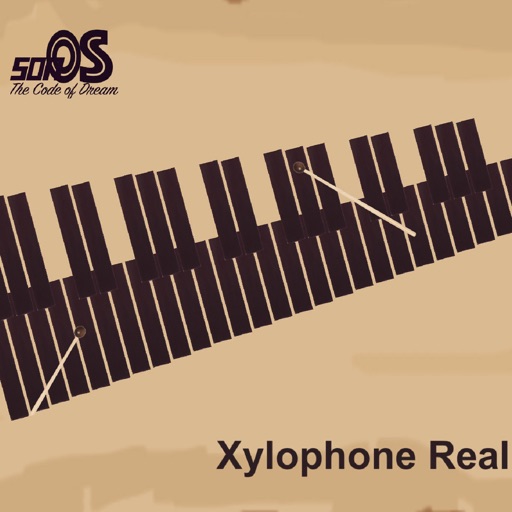
Play with realistic sound and responsive controls. Adjust tuning and volume. Use built-in lessons to learn scales and chords. Record performances and share files. Sync with MIDI devices for external music production.
Create and customize chord progressions using scale types, chord types, and voicing parameters. Generate rhythmic patterns and random sequences for musical variations. Export MIDI files and integrate with digital audio workstations.