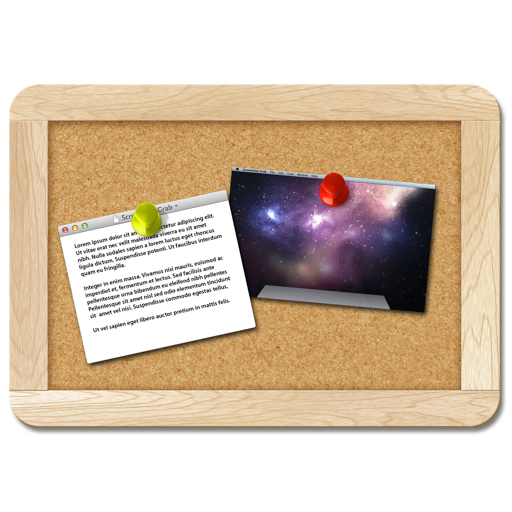
The app captures images of all applications, windows, and the entire desktop. It allows for immediate or timed grabs with configurable countdowns and offers multiple saving and copying options.
by Gavin Matthews★ 0.00 ratingsUtilities$2.99Data updated 2026-10-06
Recorder captures iPhone for tutorials, demos, or notes. Screenshot feature allows quick captures with editing and annotations. Share files via secure links or direct upload.
The app records web screens, videos, and audio, syncing them to cloud storage. It offers video and audio editing tools, including merging, trimming, and cutting clips, with options to add background music and voiceovers.
The app provides a full-screen window with a solid color or desktop picture to capture clean screenshots. Users can change the color or picture via preferences and control the menu bar, dock, and mouse cursor.
Organize by removing duplicate photos, oversized videos, and inbox clutter. Compare similar photos side-by-side using AI analysis. Delete or keep files based on quality metrics like color, sharpness, and facial expressions.
Transfer photos and videos directly to i-FlashDrive to free up iOS storage. Backup Camera Roll content to the drive. Support for multiple image and video formats including jpg, png, mp4, and avi.
File Slimmer identifies and filters duplicate media files, retaining the versions. Users can mark files for retention and clean up duplicates with one click.
Take screenshots with a keyboard shortcut. Add frames and annotations to images. Copy and paste screenshots as text. Share directly to social media and other platforms.
Securely store and organize files with folder management, including subfolders, hiding, and bulk operations. Add, edit, and search photos and videos in supported formats. Lock categories with passwords for restricted access.
Manage files across iPhone, iPad, or iPod touch. Connect to Mac or PC via Wi-Fi for file transfers. View documents, play music, browse images, and record audio. Drag and drop files from Finder or Windows Explorer.
Compress videos and images to save space. Organize saved media files. Share compressed content directly from the . Reduce file size without losing quality.
Integrated web allows browsing multiple pages, force downloading links, viewing all page links, saving web pages with images for offline use, managing bookmarks, and accessing history.
Take full-page screenshots of web pages, including hidden sections. Capture specific areas or long pages. Edit, crop, and cut screenshots. Share directly from the .