The app offers magnification up to 10x with autofocus for reading and adjustable exposure. It includes video stabilization, a dimmable torch, and the ability to magnify loaded photos.
by Go Yoshida★ 4.265 ratingsHealth & FitnessFreeData updated 2026-10-06
The app transforms an iPhone or iPad into a lighted magnifying glass. It offers features like crystal clear mode, image stabilization, light level control, and high contrast mode for improved readability.
Functions as a that adjusts brightness automatically to capture images in both bright and dark environments. It does not support video recording; users must use the standard iOS screen recording function for videos.
Capture photos with manual exposure and focus controls, RAW and TIFF support, and real-time adjustments. Edit images with advanced tools, apply effects, and export in high-quality formats. Share photos directly from the .
Read QR codes and barcodes with autofocus and manual focus. Open Safari, make calls, send emails, and save contacts from scans. Copy text, share via Twitter and Facebook, and scan from photos. Create QR codes from contacts, emails, and phone numbers.
Organize photos and videos into folders and subfolders. Create, copy, move, rename, or delete media files. Set passwords and covers for folders. Sort by date, name, or type. Add descriptions and star ratings.
Measure lengths, areas, heights, and distances using on-screen tools. Use the protractor, unit converter, and for precise calculations. Check light levels, calibrate screens, and measure decibels.
Play wave to relax or focus. Set timers with a dial and cancel by setting to 0. Control the via Apple Watch. Adjust volume and manage playback through the interface.
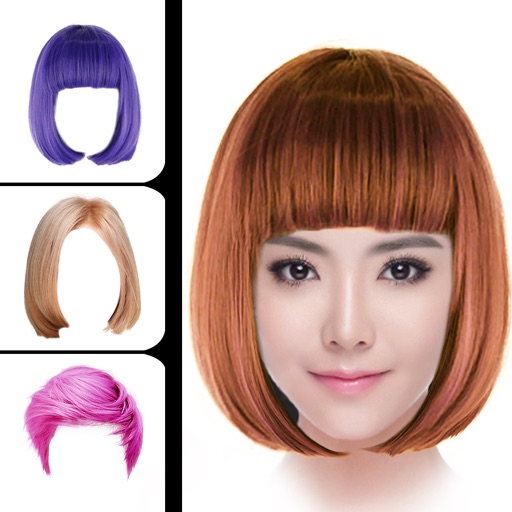
Change hair style using smart face recognition to automatically match hairstyles. Dye hair by selecting colors and applying them directly to the hair. Export styled results for viewing or sharing.
Create videos quickly with an AI script generator that turns simple ideas into full scripts. Use a for smooth recording, add AI-generated captions, and replace backgrounds with green screen tools.
View and create comics with drawing tools, brushes, and fonts. Edit panels, add text, and adjust layouts. Share completed comics or purchase full editing features for advanced customization.
Edit with filters, stickers, and emojis. Create photomontages with built-in effects. Apply artistic tools for detailed edits. Add with customizable fonts and colors. Export and share edited images directly.
Annotate images with tools like arrow, rectangle, circle, text, and magnifier. Import photos from library, camera, or map. Export with custom sizes and share. Customize colors, undo changes, and manage layers. Crop images and save history sessions.
Allows users to generate content using AI models like 4o, 5, 5mini, o3, DeepSeek V3/R1, and Claude. It supports word-based billing, saves prompt collections, switches conversations quickly, and offers quick phrases for faster dialogue.
Scan and create PDFs by capturing images with your phone's camera. Adjust clarity, crop, and rotate pages. Save files in various formats and share via email or cloud storage. Organize scanned into folders and access them offline.