Teach touch- with interactive games and exercises. Learn proper finger placement for US/EN QWERTY keyboards. Includes progress tracking and feedback on accuracy. Syncs with Mac systems for seamless use.
by Foriero s.r.o.★ 0.00 ratingsEducationFreeData updated 2026-09-08
Watch educational videos on politics, culture, economics, history, and America. Access thousands of content across various shows. No ads, fees, or subscriptions. View exclusive footage and learn from reliable sources. Share videos directly.
Learn to type on iPad, iPhone, or iPod Touch with structured lessons. Practice with free tests and sample lessons. Unlock full content with a one-time in- purchase. Track progress and improve speed through advanced lessons.
To compete globally for the highest Words Per Minute. Practice with touch or connected keyboard. Choose from 5 backgrounds. Track progress and challenge friends. Auto-generated speed tests available. Supports landscape mode on iPad.
Solve puzzles by drawing a single continuous to all blocks. Plan ahead to avoid getting stuck. Difficulty increases with each level. No time limits. Track progress through levels. Share achievements with friends.
Learn piano by playing falling notes on touchscreen or connected keyboard. Practice melodies with real-time note feedback. Play left or right hand separately. Sync with lighted keyboards. View sheet music or falling note blocks.
Play a tangram puzzle game with 840 levels requiring logical thinking, imagination, and dexterity. Combine pieces to solve challenges. Unlock Arcade Mode for fast-paced gameplay. Compete with others in leaderboards.
Test your speed in two modes: Classic for as many words as possible in 60 seconds and Challenges with 45 tasks. Track progress, unlock achievements, and compete on a global leaderboard. Supports 16 languages.
Play as up to 5 characters controlled with fingers or friends. Deflect throwing stars with swords. Compete to survive as long as possible. Track progress and unlock new characters. Share scores with friends.
Learn with 3D diagrams showing finger positions. Hear each note's sound and view real-time demonstrations by a saxophonist. Access lessons for different types including soprano, alto, tenor, and baritone.
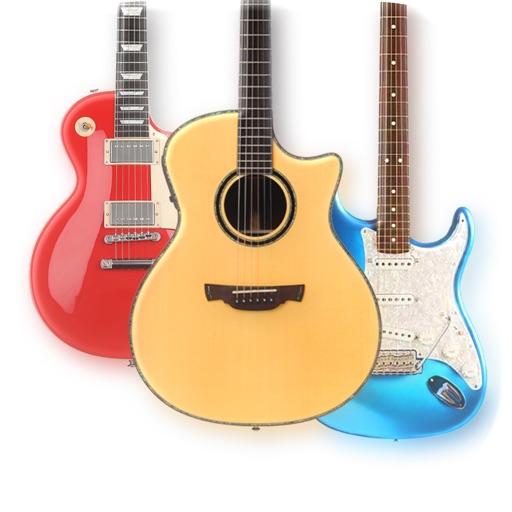
The app provides a lifelike virtual guitar experience with studio-recorded sounds. Users can play chord buttons or form chords with forgiving finger position recognition.
Play to improve speed and accuracy. Tap letters on a randomly rearranged keyboard after each correct input. Track progress with speed tests and challenge yourself with increasing difficulty levels.
Create pieces by merging materials to form images. Build animated paintings from collected elements. Solve multilayered art puzzles with unique story elements. Adjust and combine components to complete each artwork.
Play games by dragging words into slots. Use existing letters to solve puzzles. Choose from LETTERS, NUMBERS, or ICONS modes. Select from ENGLISH, SPANISH, FRENCH, or PORTUGUESE languages. Adjust difficulty levels.
Crush cockroaches with finger swipes. Navigate through infinite levels. Collect points by eliminating pests. Features age-appropriate gameplay and continuous challenges. No time limits or in- purchases.
Practice math with levels focused on addition, subtraction, multiplication, and division. Test skills in endless mode aligned with Common Core standards. Unlock new outfits and progress through 52 challenges.