Apps Like Green Screen-Background Editor for iPhone and iPad
Record, edit, and share videos
Use live camera, photos, and videos as media sources. Stream video content. Remove with chroma key and spill suppression. Erase backgrounds and skies using AI. Replace erased areas with built-in backgrounds or textures. Blur backgrounds with AI.
by Viacheslav Khakhulin★ 4.31,122 ratingsPhoto & VideoFreeData updated 2026-09-08
Compress videos using AI to reduce file size without quality loss. Choose from small, medium, large, or custom compression settings. Compress videos in background mode. Compare original and compressed file sizes. Share videos without watermarks.
Convert videos and photos into live photos with customizable key frames and trimming options. Adjust rotation and flipping settings. Access advanced features via an auto-renewing subscription.
Merge and split videos into multiple clips or combine clips into one. Add background music, crop, trim, and apply effects. Include text overlays. Save or share finished videos. Access premium features with a subscription.
Create passport photos compliant with 2x2 inch requirements. Automatically resize images and remove backgrounds. Edit photos for biometric submissions in 100+ countries. Save and share edited photos for immigration applications.
The app allows users to create photos and movies using green screen technology. It supports high-resolution video and photo capture, with a timeline editor for layering and editing multiple video or photo elements.
Convert videos and photos into GIFs. Adjust speed, loop, reverse, and change frames. Add filters, effects, text, and animated stickers. Trim, crop, and reorganize frames. Edit individual frames and preserve transitions. Make videos from GIFs.
Edit with predefined filters, styles, and background effects. Adjust image ratios automatically. Share directly to Facebook, Instagram, or Twitter. Add and customize backgrounds for social posts.
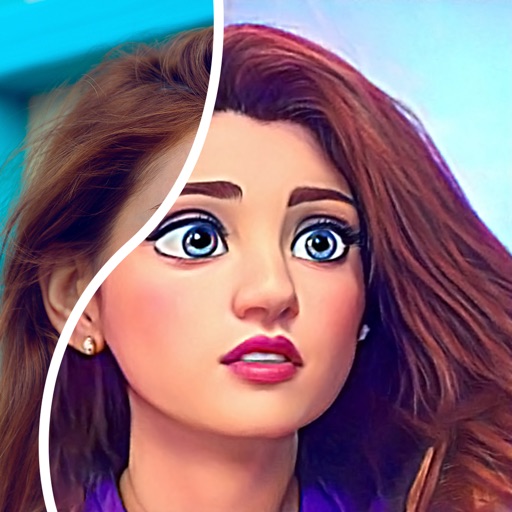
Convert photos into comic styles using AI algorithms. Edit avatars with retouching tools. Access various comic templates. Apply filters and adjust images for effects. Share edited images directly.
Add source videos and background from the library or record voice. Adjust audio volume and trim or video. Preview and export in high quality. Control volume levels for video, , and voice over. Arrange and merge multiple clips.
Upload photos directly to Instagram, Facebook, and other social networks without cropping. Choose a background and share instantly. Save photos to device for later sharing. Create images without resizing.
Stream videos from webpages to TV with direct playback. Browse listings, view details, and manage history and bookmarks. Control playback with or without ads via premium subscription.
Create professional social for business with customizable templates and branding tools. Remove photo backgrounds instantly and place cutouts on various backdrops.