Trim, cut, and crop videos with precision. Add transitions, text, and music to enhance content. Export videos in various formats and share directly to social media or messaging apps.
Edit videos with trimming, cutting, and splitting tools. Add transitions, effects, and text overlays. Import and export in various formats. Collaborate in real-time with multiple users. Adjust audio levels and apply filters.
Edit videos with rotation, scaling, and cropping tools. Add borders and frames for square format. Trim clips and share directly to Instagram, Facebook, or Vines without cropping. Apply blur to background for enhanced visuals.
VideoCrop allows users to and cut clips. They can add text overlays and background music. The supports exporting videos in various formats and sharing them on social media platforms.
Save videos from web pages and extract audio. Use picture-in-picture mode to watch videos in a smaller window while using other apps. Switch display modes for different viewing experiences.
Create videos by merging Live Photos, stills, and videos. Add titles, music, and customize pre-made "On This Day" projects. Automatically import Live Photos and panoramas. Share in five aspect ratios. View suggested projects based on recent photos.
Create from photos, videos, or instant captures. Import from Tenor. Add text, stickers, and adjust speed. Share across social media and messaging apps.
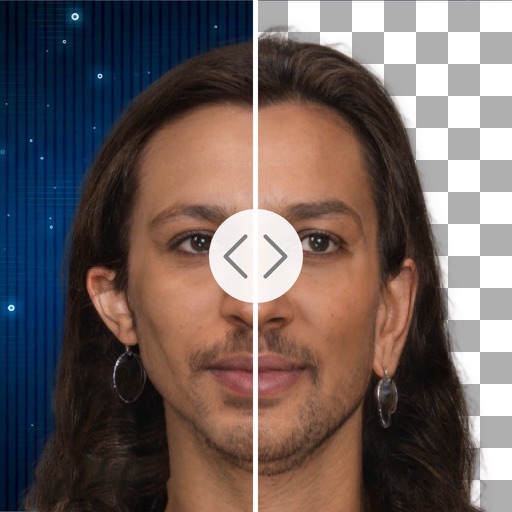
Remove backgrounds with a single tap. Replace with 800+ virtual templates. Export as transparent MP4 with alpha channel. Adjust resolution to 16:9 or 9:16. Position and scale the top layer transparent .
Edit videos by adjusting playback speed with a sliding dial. Choose from your library or record new footage. Trim unwanted sections. Export videos for sharing on Instagram. Unlock Pro version for advanced speed controls and reverse playback.
Create videos by importing footage from gallery or recording new content. Crop, rotate, pinch-zoom, and set custom background colors. Merge unlimited videos into a single timeline.
Create immersive videos with AI-driven special and editing tools. Add transitions, animations, and text overlays. Import footage from iPhone or professional cameras. Export in various formats for social media and other platforms.