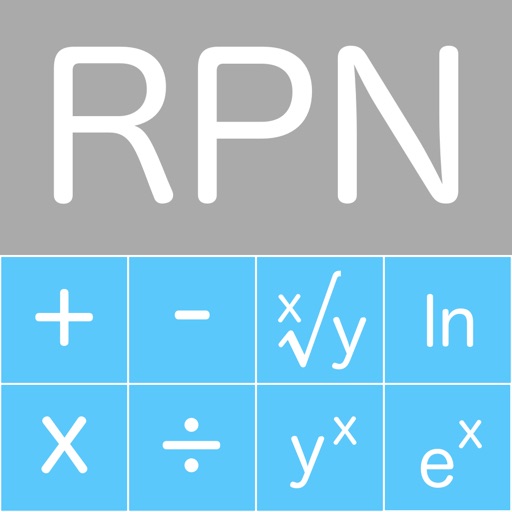
The app is a reverse polish notation scientific calculator designed for computer use. It offers an 'On Top' mode and maps keys to the right side of an extended keyboard for convenience.
by Aepryus Software★ 0.00 ratingsProductivityFreeData updated 2026-10-05
The app provides complex number calculations, matrix operations, and root finding. It also performs numerical integration and supports hyperbolic and inverse hyperbolic trigonometric functions.
Perform complex calculations with scientific, financial, and unit conversion tools. Access 10 financial worksheets for budgeting and planning. Switch between landscape and portrait modes. Save and export calculation results.
The app provides a calculator with a four-level visible stack and a total of one hundred positions. It includes operations for plus, minus, multiply, divide, opposite, and inverse, with keyboard errors notified by vibration.
Perform complex calculations using 12 built-in calculators including scientific, financial, and unit conversion tools. Input formulas with three modes: standard, string, and RPN.
Perform complex calculations using RPN entry system. Access hyperbolic and inverse hyperbolic trig functions. Calculate probability, factorials, and percentages. Support absolute, integer, and fractional values. Generate random numbers.
Allows users to perform advanced scientific calculations with high precision and range. It supports standard and RPN input modes, built-in constants, and unit conversions. iCloud sync enables cross-device access to calculation history.
The app performs calculations with up to 15 digits of precision and supports a number range from -1E127 to 1E127. It includes a database of over 120 scientific constants that users can extend.
The app offers basic and scientific calculator modes, a universal converter for numerous units, and multitasking capabilities. Users can view calculation history, edit input, and customize the appearance with various skins.
Calculate with dual-line display and multi-line input
A with dual-line display showing input and result. Supports multi-line equations and tap-to-move cursor. Saves calculation history with timestamps and labels. Allows emailing calculations and swiping to review previous entries.
The app provides two calculators: one using Standard Notation and another using Reverse Polish Notation. Both calculators are programmable and include finance and scientific functions, plus 45 physical constants.
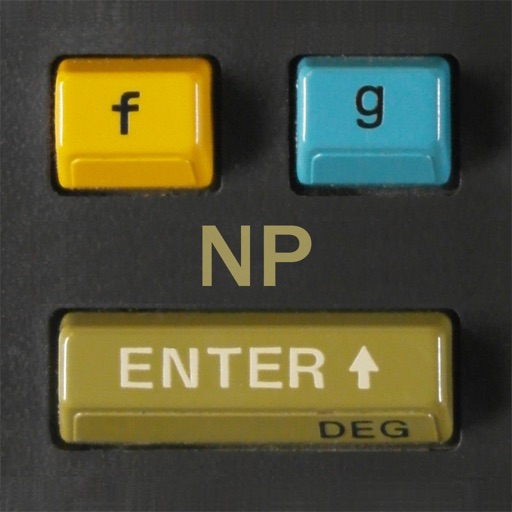
Simulate the HP-34C calculator with photo-realistic graphics. Perform integration and root finding calculations. Access extended functions and improved speed. Navigate using on-screen buttons and keyboard input. Save and recall values.
Solve equations and inequalities with advanced graphing. Trace functions and analyze intersections. Perform calculations, store variables, and use built-in math functions. Access a scientific calculator and explore interactive math concepts.
Calculate with scientific precision and enhanced functions
Simulate the HP-45 scientific calculator with photo-realistic visuals and original LED or LCD display. Print calculations, animate keys with sound and feedback, and replicate the calculator's computation times.
Calculate measurements and perform unit conversions for projects. Perform trigonometric calculations and angle measurements. Access a full user guide and use built-in formulas for precise calculations.
Load and run 25 original programs from the HP-67 calculator. Perform calculations using reverse Polish notation. Access a wide range of mathematical and scientific functions. Store and retrieve programs using magnetic card simulation.
Access computers' desktops and control mouse and keyboard actions. View live screens, navigate files, and run applications remotely. Connect via account credentials and tap to establish a session.