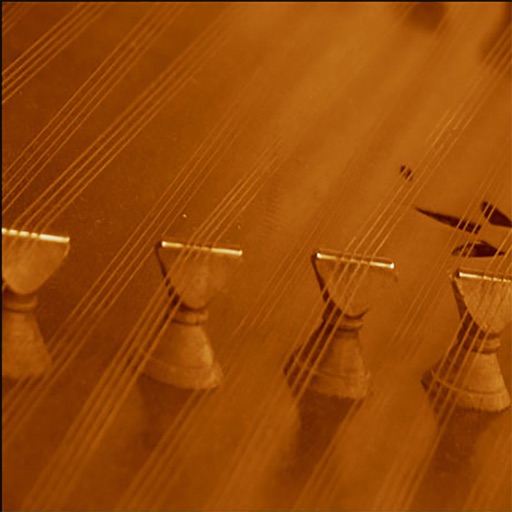
Turn your iPhone or iPad into a musical instrument. Play the with touch gestures, adjust volume and pitch, and access lesson tutorials. Sync with other devices and share performances.
by Amir Kamali★ 4.3237 ratingsGamesFreeData updated 2026-09-08
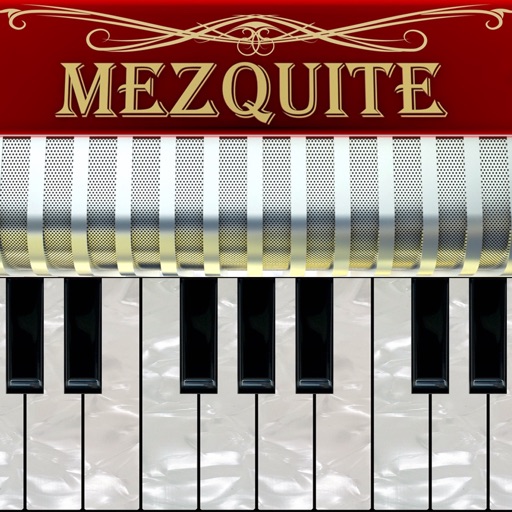
Simulate a classical four-row accordion with realistic key layout and touch controls. Play pre-recorded high-quality samples. Adjust volume and mute individual keys. Save and share performances.
Track beats with a visual and adjustable tempo settings. Select measures and notes for practice. Save study history and favorite frequently used measures. Choose from multiple sound options and customize sound settings.
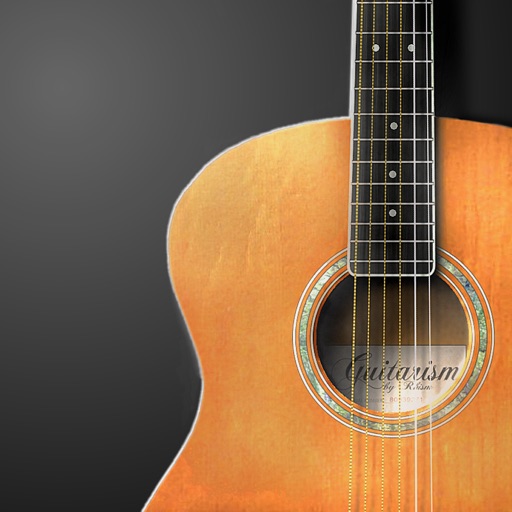
Play traditional sounds with adjustable chord, rhythm, and instrument volumes. Customize pitch by sliding strings and transpose notes. Adjust rhythm speed and access two octaves of playable range.
Create melodies by tapping the screen to generate patterns and unique sounds. The generates infinite compositions when idle with accompanying visualizations. Adjust settings to customize sound and visuals.
Plugin for iOS devices. Adjusts parameters with three knobs. Works as an Audio Unit (AUv3) plugin in hosts like GarageBand and Cubasis 3. Includes open-source code for integration into other apps. No ads or in- purchases.
Create rhythmic with real samples and clave metronome. Adjust groove and swing settings. Play back without internet. Sync with metronome for timing. Export audio files. Track performance progress.
Simulate the ANS synthesizer by drawing spectrograms to create music. Adjust parameters like pitch, amplitude, and envelope. Play back compositions and export audio files. Learn about the history and unique capabilities of the ANS instrument.
Create rhythmic patterns with adjustable groove and swing settings. Use a metronome with clave support for timing. Play looped sounds in various styles including jazz and pop. Adjust tempo and save custom grooves. No internet connection required.
Tune instruments with precise detection. Adjust level and quality thresholds for accurate readings. Display real-time frequency and note identification. Share tuning results via email or social media. Sync with iOS devices for seamless use.
Learn chords and scales with interactive lessons. Play along with real-time tablature and audio. Adjust difficulty levels and track progress. Share performances and access a community library of songs.
Turn your iPhone or iPod Touch into a musical instrument. Select chords and strum strings with fingers to create arpeggiated sounds. Edit and share songs, use MIDI support, and transpose notes with in- purchase.
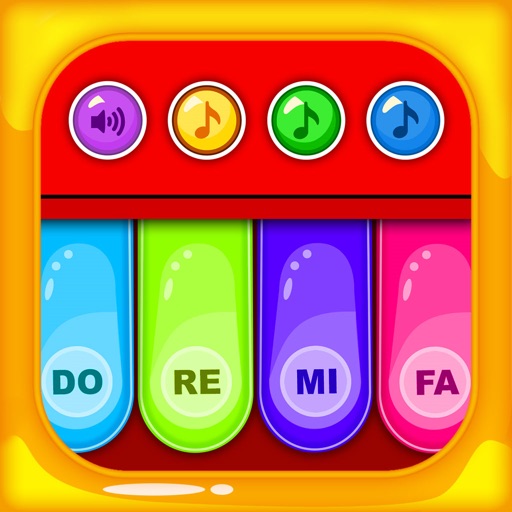
A for children allows users to play musical notes and create chords by pressing three consecutive notes. Sliding fingers across keys produces harmonious sounds. It includes note sequences for nursery rhymes and lullabies in English.
Create and edit musical scores and tablature with tools for notation and tab editing. Import or start new scores. Share files with collaborators. View and analyze existing sheet music and tablature. Adjust notes, rhythms, and formatting.
Play a traditional African musical instrument with metal tines. Pluck tines with thumbs to create melodies. Adjust pitch and volume. Save and share recordings. Learn scales and chords through built-in lessons.