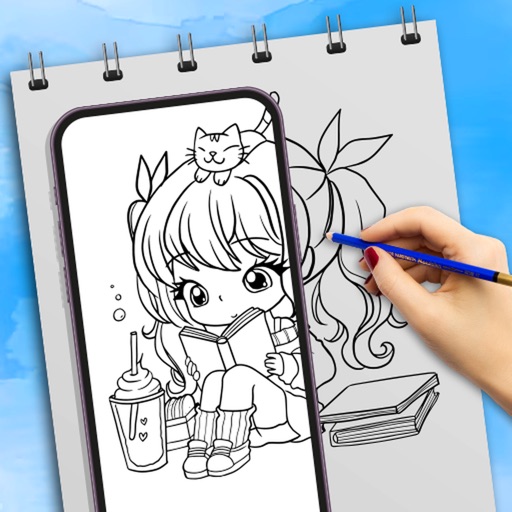
The app allows users to draw anything using a grid. Users can select any area of an image, choose different grid types, and adjust grid size, color, and thickness.
by supple software ltd★ 4.433 ratingsGraphics & Design$2.99Data updated 2026-11-18
Paint images onto walls, paper, or canvases using a grid method. sections of an image with your phone's camera as a guide. Transfer photos to large surfaces for DIY projects or professional installations. No artistic skill required.
Use camera to draw and paint in augmented reality. Access tracing templates for animals, cars, nature, food, anime, and more. Adjust brush size and color. Save and share artwork directly.
Create freehand artwork from real-life images using AR technology. , , and paint over live camera views. Add text and stickers to drawings. Export creations in multiple formats and share directly.
Create collages by combining photos, adding stickers, and applying effects. Choose from multiple layouts and templates. Edit images with cropping and filters. Share finished collages directly to social media.
The app provides users with the ability to draw on their device. Users can select from over 16 million colors with RGB selection and adjust brush thickness and color transparency.
Create 2D floor plans and house blueprints with intuitive tools. Draw rooms, add furniture, and adjust layouts. Measure spaces, export designs, and save projects for future edits.
Helps users organize their and grow vegetables. It provides plant information, a planting calendar, and a square foot gardening layout. Users can access details on 100+ fruits and vegetables, add custom plants, and track planting schedules.
Create layouts using customizable templates. Arrange images in puzzle grids for consistent design. Adjust layouts for new and old post sizes. Edit and export posts directly.
Create and edit drawings using augmented reality. in real-time with touch or stylus. Adjust colors, brush sizes, and opacity. Share drawings directly or export as images.
Edit photos by adding consistent spacing for a uniform appearance. Select images from the photo library, apply filters, crop, and resize. Adjust spacing with a slider and preview on a mockup. Choose from multiple background colors.
Create detailed technical illustrations and artistic designs with vector editing tools. Draw, reshape, and color elements with precision. Import and export files in multiple formats. Use layers, masks, and effects for advanced design work.
Create mood boards and organize reference images with smart asset management. Pick precise colors and collage freely. Edit across iPhone, iPad, and macOS with unlimited canvas and batch processing.
Schedule posts for Instagram, Facebook, Twitter, TikTok, LinkedIn, and Pinterest. Manage multiple accounts from one . Auto-publish content in advance. Edit captions and add directly. View analytics and engagement metrics.