The app provides users with 48 pencils and 41 papers for creating sketches. It includes features such as layers, zoom functionality, an eyedropper tool, and undo/redo options.
by SUNG CHEOL KIM★ 4.011 ratingsProductivityFreeData updated 2026-10-05
Apply filters to photos from the gallery or during capture. Choose from twelve unique styles including cartoon, sketch, and paint effects. Edit images with artistic filters and save or share the modified photos.
Color pictures with a variety of tools and colors. Draw on blank pages with easy zoom. Replay videos of drawing sessions. Access a collection of funny and realistic images for and sketching.
The app offers unlimited board size and color choices for pens and backgrounds. Users can import photos, print snapshots, and utilize undo/redo functions.
Turn your iPhone into a digital notepad. Combine photos, voice recordings, drawings, and text on the same page. Arrange elements freely. Add handwritten notes with a stylus. Save and organize notes in folders. Share notes via email or messaging.
Create notes on photos directly from the Photos without opening another . Edit images with cropping, adjustments, and text overlay. Use action extension to edit photos from any .
The app provides selected drawings of princesses for users to color, paint, or doodle. It offers a way to improve imagination, train the brain, and foster creativity with colored pencils and brushes.
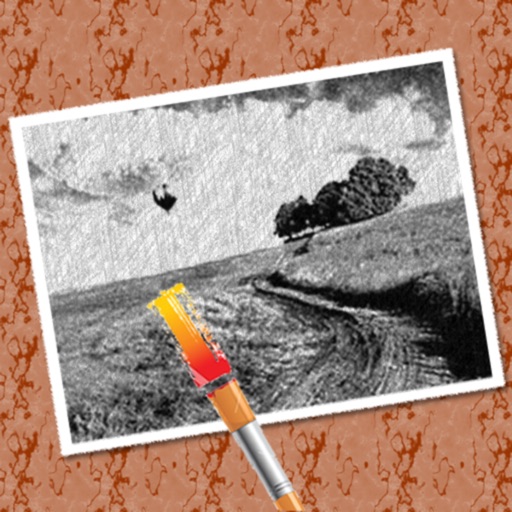
The app converts photos into pencil sketches for coloring. Users can import pictures from photo albums, the camera, or Flickr, and color them using touch controls.
Create art by selecting styles and swiping the screen. Customize canvas settings including opacity, size, and layers. Combine tools to explore creative possibilities. Save and share artwork directly.
Track tasks and goals with customizable templates. Add handwritten notes via drawing tools. Organize planners into folders. Sync data across devices using cloud backup.