The app provides users with 48 pencils and 41 papers for creating sketches. It includes features such as layers, zoom functionality, an eyedropper tool, and undo/redo options.
by SUNG CHEOL KIM★ 4.011 ratingsProductivityFreeData updated 2026-10-05
Record and switch between up to 9 external A/V inputs supporting NDI, NDI HX, SRT, or RTSP protocols. Use up to 4 UVC cameras on iPadOS 17. Access all built-in cameras on iPhone/iPad simultaneously.
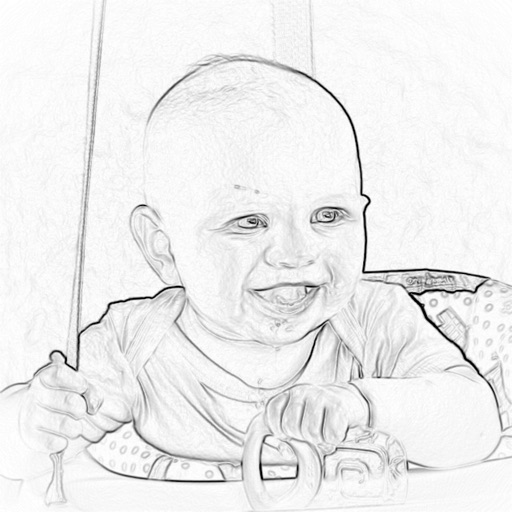
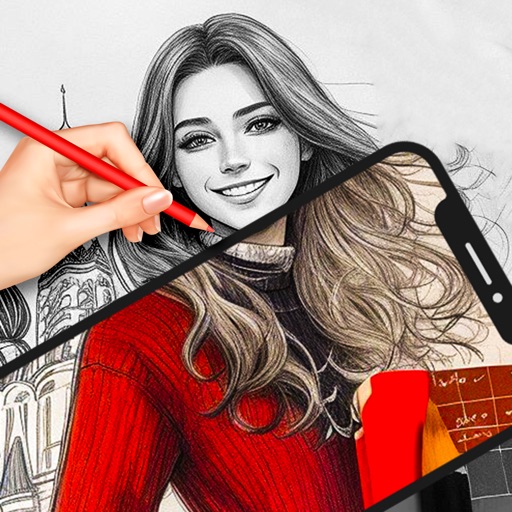
The app converts photos into pencil sketches. Users can take a new picture or select an existing photo to transform into a sketch and share with friends.
Create and edit drawings with a variety of colors and brushes. Sketch freely and refine details. Save, share, and publish artwork. Include step-by-step process for each drawing. Export in multiple formats and share directly.
Access a collection of animal drawings from around the world. Color pages designed for children and adults. Includes themed illustrations for relaxation and entertainment during travel or downtime. Share completed pages via social media.
The app allows users to draw on a chalkboard with finger-controlled chalk. It includes four chalk colors, an eraser, adjustable line width, and options to clear the board or save artwork.
Edit and navigate handwritten documents with vector drawing tools. Organize files using Apple's document browser. Sync with iCloud and other cloud services. Save in open SVG format for compatibility with other vector graphics software.
The app provides 2D vector drawing and design for iPad and iPhone. It offers unique offset controls for precise finger-based editing and supports iCloud synchronization with its Mac version.
Use iPhone as a connected via USB to mirror Mac screen. Draw with Wacom stylus and 3D Touch. Control canvas with touch gestures for zoom, scroll, undo, and redo. Connect securely for real-time screen mirroring.
Animate static images by painting direction and using a stop brush. Combine and blend unlimited layers from photos or online sources. Add animated effects with built-in tools. Export and share finished animations.
Turn your into a digital notepad with freehand sketching and -taking. Capture ideas in any format, add text and drawings, and organize notes with folders. Export notes and share directly.
Create and color images using pre-designed templates or a blank canvas. Access a variety of drawing tools and color options. Save and share finished artwork. Develop drawing skills and foster creativity through interactive features.
Send stickers directly to messages by holding a sticker in the drawer until it appears. Choose from a variety of expressive characters and themes. Add new sticker packs in the future for expanded communication options.
Draw and color characters directly on the screen or with a pencil on paper. Access a public gallery to share art. Follow step-by-step drawing guides. Color pages with solid or gradient colors. Color pixel art by numbers.
Create and edit PDF documents by adding text, notes, and drawings. Import images and PDFs from the file . Convert photos to PDF, duplicate, rename, and password protect files. Rearrange pages, search within PDFs, and share as PDF or image.
The app analyzes and redraws photos from scratch, creating pencil sketches of remarkable quality. Users can explore art possibilities with simple controls and save creations in 4K resolution.