The app provides users with 48 pencils and 41 papers for creating sketches. It includes features such as layers, zoom functionality, an eyedropper tool, and undo/redo options.
by SUNG CHEOL KIM★ 4.011 ratingsProductivityFreeData updated 2026-10-05
Color pictures with realistic brush strokes and save creations. Access a variety of pre-drawn images to color. Draw freely on blank pages with zoom functionality. Watch video replays of drawing sessions.
The app offers live-calculated brushes and strokes that interact with a generated canvas texture. Users can adjust parameters like color and size while painting, and stroke size changes based on fingertip contact with the screen.
Edit photos with oil painting, sketch, and other artistic filters. Apply effects using AI-enhanced tools. Save and share edited images directly. View and manage gallery within the .
The app provides daily task lists with status and priority, event integration with calendars, and daily notes with customizable text formatting. It also includes a master task list with a side planner view and task alarms synced across devices.
The app offers a simple and intuitive calculator with features like undo/redo, keyboard trackpad mode, and basic graphing. It supports dynamic type and is accessible.
The app provides tools for realistic oil painting and unique effects like Worm Pen. It features live-calculated brushes and strokes that interact with a generated canvas texture.
Create infinite repeating designs by mirroring brushstrokes across 17 symmetry patterns. Edit vector graphics with curve smoothing and area fill. Reshape and recolor elements in Edit Mode. Export paintings and tileable rectangles.
Create still or animated drawings that flow and evolve. Use generative brushes for natural, responsive sketching. Design fluid artwork for backgrounds or sharing. Adjust brush settings for precise control. Export drawings in various formats.
Allows users to draw grids over images for precise copying, scaling, and tracing. Features include adjustable sizes, reference image overlay, and zoom capabilities. Users can export drawings and share files directly.
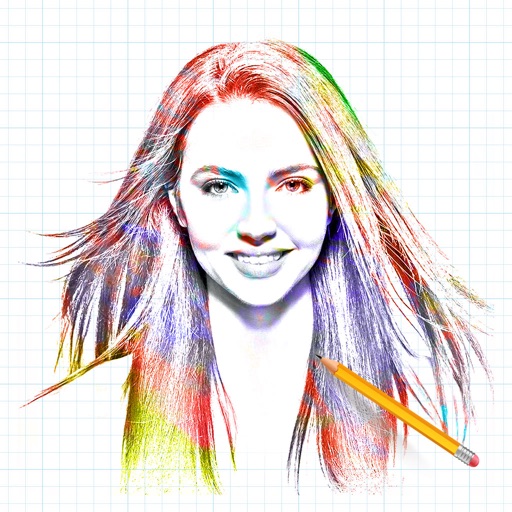
The app allows users to transform photos into artistic sketches. It provides options to apply frames and multiple effects to the created sketches before saving and sharing.
Create detailed technical illustrations and artistic designs with vector editing tools. Draw, reshape, and color elements with precision. Import and export files in multiple formats. Use layers, masks, and effects for advanced design work.
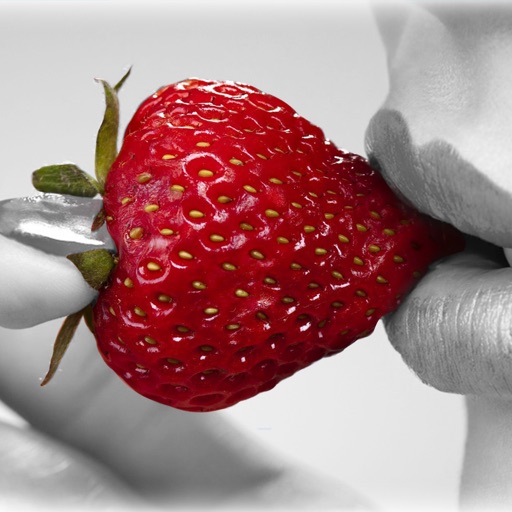
The app allows users to recolor photos and apply color effects. Users can choose from 66 vivid colors or black and white to decorate images, with options to adjust brush size, intensity, and translucence.
And drawing with printable pictures and blank pages for custom artwork. Features include zoom functionality, video replay, and realistic tools. Users can create and share their own drawings.