Apps Like Toolbox for Pages: Templates for iPhone and iPad
Design documents with Apple Pages tools
Provides for reports, resumes, flyers, and social media visuals. Users can customize layouts, graphics, and infographics. Access a large collection of pre-designed elements to enhance document creation.
by Jumsoft★ 4.835 ratingsGraphics & DesignFreeData updated 2026-09-08
Create flyers, posters, logos, and social media graphics with customizable fonts, filters, shapes, and artwork. Add text, adjust colors, and export designs for print or online use.
The app offers 290 templates for Apple's Pages application, organized into 37 distinct categories. Templates are available in US Letter and A4 paper sizes, with specific sizes for envelopes and posters.
Create flyers, logos, and graphics with customizable templates and icons. Edit designs with professional tools. Upload or use images from a library. Export files for print or online publishing.
Create professional-looking presentations with customizable templates. Add text, images, and animations. Edit slides, update content, and share presentations online or via email. Export in various formats for viewing and printing.
Record and organize ideas with sketching, writing, and note-taking features. Sketch digitally, add text, and collect visual references. Sync across devices and access projects anywhere.
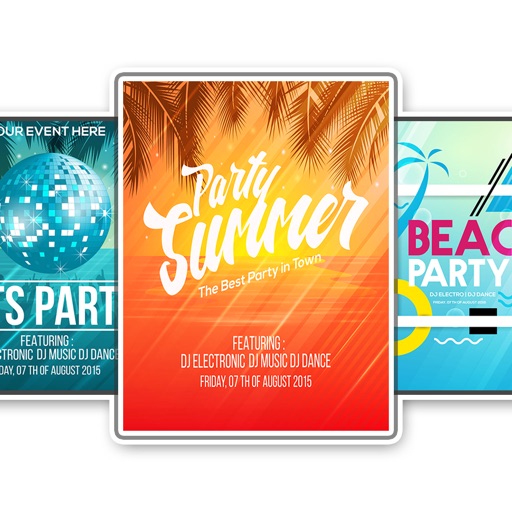
The app provides document templates for Apple's Pages application. Templates are available in US Letter and A4 sizes and can be customized with user colors and fonts.
The app allows users to create custom NFT designs, flyers, invitations, logos, and more. It offers hundreds of templates, thousands of fonts, and editing tools for graphic creation.
Learn high-demand skills through structured courses. Access AI tools for content creation and design tasks. Build a professional portfolio with project templates. Discover freelance opportunities and manage job applications within the .
Create emails, essays, blogs, and other text content quickly using advanced AI. Summarize text into bullet points or key ideas. Answer complex questions and act as a chat companion, interviewer, or virtual professor.
Organize with boards that include notes, labels, photos, contacts, shapes, strings, PDFs, links, and tasks. Sketch shapes and lines using gestures. Group visually or spread them across multiple boards.
Edit photos with filters, contrast, brightness, and color adjustments. Add text, stickers, and drawing tools. Customize images and landscapes. Export in high quality. Access a free image library. Apply advanced editing features.
Plan daily, weekly, monthly, and yearly tasks with customizable templates. Write notes, set goals, and organize schedules. Sync across devices and export events. Track progress with handwritten journal pages.
Create logos using AI-generated designs. Choose colors, fonts, and styles. Customize elements like text and icons. Export logos in various formats and share directly.
Create visual diagrams, maps, flowcharts, and outlines to organize ideas. Add notes, links, and images to nodes. Export as PDF or image. Share maps with others. Sync across devices. Customize themes and layouts.