Apps Like Split Pic Collage Maker Layout for iPhone and iPad
Images and blend sections
Pic allows users to divide their camera view into sections using various free layouts. They can take photos or import images from the Camera Roll and arrange them in different orders.
by Mosaic S.r.l.★ 4.615,670 ratingsGraphics & DesignFreeData updated 2026-09-08
Edit photos with filters, cropping, and brightness adjustments. Add text overlays for customization. Create collages by combining multiple images. Arrange photos in customizable grid layouts.
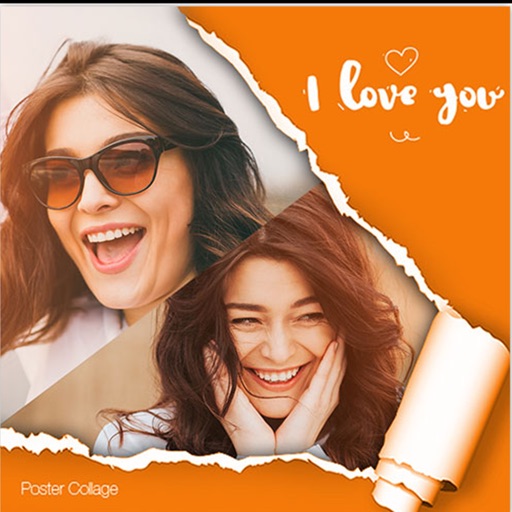
Create posters with one click using pre-designed templates. Select photos from camera roll or albums with intelligent portrait recognition. Customize without restrictions and export final designs.
Turn photos into cartoons with AI-powered filters. Apply effects, add toon backgrounds, and combine drip effects. Edit layouts and create anime-style avatars. Share edited images on social media platforms like Instagram, Facebook, and TikTok.
Extract high-quality still images from videos or Live Photos. Select and edit frames with built-in tools. View and edited photos directly. Play videos from local storage or iCloud. Scrub through footage for precise frame capture.
Create collages by combining up to 20 photos with backgrounds, stickers, and drawing tools. Apply filters, borders, and fonts to enhance images. Share collages on Facebook, Instagram, and other platforms.
Create collages by selecting from hundreds of templates and custom layouts. Add photos, adjust ratios, and apply background patterns. Edit images with filters, crop, and add text or stickers. Share finished collages directly.
Create photo collages using 20,000+ layouts and frames. Combine up to 16 photos in customizable grids or freestyle arrangements. Add text with 1,000+ font styles. Edit layouts, adjust frames, and export collages.
Create -themed with multiple creative options. Select images from gallery or camera. Apply effects for enhanced visuals. Share photos on social media platforms. Save edited images in high resolution.
Create collages by selecting photos and arranging them in customizable layouts. Choose from 200+ frames and templates. Adjust colors, borders, and backgrounds. Edit photos with crop and enhancement tools.
Create designs and graphics using customizable templates and a vast library of images, fonts, and templates. Apply photo filters and adjustments to enhance visuals. Organize templates into folders and favorite favorites for quick access.
Allows users to send photos from their library to DMs with a few taps. It integrates seamlessly with accounts. Photos are delivered instantly without delays.
Add pic-in-pic effects to photos by selecting from various styles. Edit images options. Share finished photos to social media platforms like Facebook and Twitter. Capture or choose images from the roll.
Preview Instagram posts in a customizable grid . Schedule posts and apply filters. Preview highlights and choose cover images. No Instagram login required. Manage posts without third-party tools. Adjust post order and design for aesthetic feed .
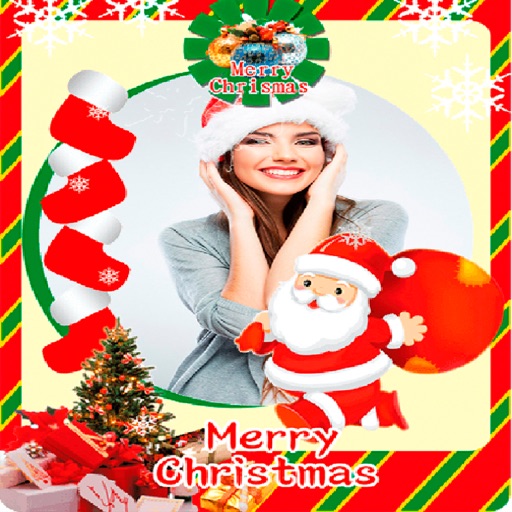
Create greeting cards by adding photos to frames. Select images from the gallery or take new photos. Choose from various frames and adjust photos with zoom and rotation. Share cards with friends and family.
Create layered collages by combining images with one click. Add special effects to draw or erase . Apply filters and frames to enhance visuals. Share finished blends directly to Instagram.
Create rounded images from photos or gallery selections. Adjust borders and colors for polished results. Save and share rounded images for social media platforms including Instagram, Facebook, YouTube, TikTok, X, WhatsApp, Snapchat, and Pinterest.
Create photo collages by combining 2 to 9 images into one. Adjust size, position, and layout. Choose from various templates and styles. Add stickers, frames, effects, and patterns. Share finished collages directly.