
Apps Like Split Pic Collage Maker Layout for iPhone and iPad
Images and blend sections
Pic allows users to divide their camera view into sections using various free layouts. They can take photos or import images from the Camera Roll and arrange them in different orders.
Split Pic Collage Maker Layout screenshots
Ranked alternatives
Showing 381–400 of 1,000 ranked alternatives.

Janmashtami Photo Frame Editor
Patel Ravjibhai
Apply frames to photos and videos
Apply frames to images. Adjust frames to fit photos. Edit images with special effects. Save and share edited photos. Switch between different frames easily.


Blur Me: Image Blurring
福恩 毛
Create polished selective blur effects.
The app offers selective blur effects including motion, disc, and zoom. Users can compare original and edited images with a live split preview and save custom effect settings.

AI Photo Generatorٞ
Amit Lakhani
Cartoonify photos with AI effects
Edit photos with AI-powered toonification, caricature, and Pixar-style cartoon effects. Apply face filters, reface, and adjust digital art layouts. Add backgrounds and export edited images.


Photo Filters Effects & Editor
Inverse.AI
Edit photos and share instantly
Edit photos with , , and AI cutout tools. Apply neon, glitch, and overlay . Add doodles, artistic text, and fun stickers. Share edited photos directly to Instagram, WhatsApp, Facebook, and Messenger.



Standout : SC Editor
Jash Balar
Send photos to Snapchat DMs instantly
Send photos from your library to Snapchat DMs directly. Integrate with Snapchat account for seamless sharing. Add edits before sending. Ensure secure and private image transfers. Connect with friends instantly.



Instasquare Photo Editor: Neon
Bhuvan Gupta
Edit photos with light effects
Edit photos with light filters, including circle, frame, star, heart, glasses, and lines. Add text with customizable vector graphics. Apply coloring and create templates for creative artwork. Export edited images directly.
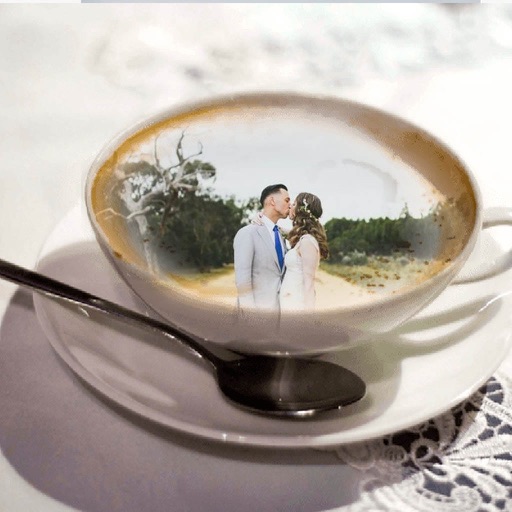
Coffee Mug Photo Frame - Amazing Picture Frames & Photo Editor
Patel Nishaben
Apply to photos and share them
Edit photos by selecting from the gallery or using the camera. Apply multiple and effects. Adjust image position, size, and angle. Save, share, or upload to social media platforms like Facebook, Twitter, and email.
How we rank alternatives
Apps are ranked by functional similarity, category fit, rating confidence, and popularity.