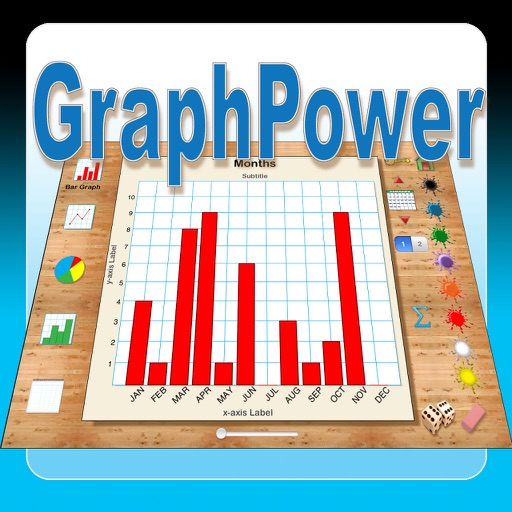
The app offers an educational tool for data analysis and graph interpretation. Students can create bar graphs, line graphs, circle graphs, and histograms on their iPads, with options for titles, labels, and scales.
by Ventura Educational Systems★ 1.01 ratingsEducation$2.99Data updated 2026-10-04
The app provides automated object tracking and video analysis. Users can capture video, track objects, and instantly generate trajectory, position, and velocity graphs.
The app builds interactive graphs of the Gompertz function and its derivatives. It fits curves to data, solves Gompertz function equations graphically, and calculates saturation and inflection points.
The app trains reading notes on all 88 keys within various key signatures. It offers customizable practice options for different skill levels and tracks user progress with informative graphs.
Connect to Shadowsocks and VMess proxy servers. Manage servers manually or via subscriptions. View speed graphs to monitor connection quality. Check server availability status for active connections.
The app offers a scientific calculator with complex number support and programmable keys. It includes graphing capabilities for up to nine equations, vector and matrix calculations, and a unit converter for various measurements.
The app allows users to plot graphs of functions by entering formulas and specifying a range. Users can save formulas, email them with charts, and support for retina displays is included.
The app provides 380 questions and 38 revision notes covering GCSE Maths Statistics. Users can revise by topic, take mock tests, and receive instant feedback with detailed explanations.
Prepare for the section with -focused practice. Solve over 480 questions and review 48 revision notes. Take mock tests with mixed questions. Receive instant feedback on answers. Review explanations for correct responses.
Display a fully customizable with IP and SI units. Plot HVAC processes using touch input. Save and email graphs. View detailed results and export data.
Measure accuracy using image-based analysis. Store details, sync to atomic time, and adjust time settings. Compare measured time against precise atomic time sources.
Create and analyze mathematical graphs with precise notation display. Edit graphs with color and line style customization. Find coordinates, intersections, and key points like zeros and extrema. Perform domain analysis and use an intuitive keyboard.
Graphing common geometrical equations interactively.
The app provides an interactive iPad experience for graphing circles, ellipses, parabolas, and hyperbolas. Users can dynamically modify formulas with sliders and see real-time graph updates, with a Quiz Me mode for testing knowledge.
Track progress, practice questions, review results
Practice exam questions from the Ministry of Transport and Road Safety's official Q&A bank. Track progress with a training graph. Access categorized questions, road signs, and test simulations. Review and correct errors.