Simulate the Apollo Guidance Computer interface with a realistic keyboard layout. Tap the 'i' icon for help. Navigate through mission scenarios, input commands, and view system status displays as used during Apollo missions.
by AirSpayce Pty Ltd★ 4.611 ratingsNavigationFreeData updated 2026-09-08
Measure acceleration, orientation, and motion with built-in sensors. Record and analyze real-time data for experiments. Detect and generate sound tones. Visualize audio waveforms. Export measurements and graphs for scientific use.
Track vehicle hours and monitor driver compliance with real-time GPS data. Receive alerts for potential violations. Calculate IFTA miles automatically. Log and review driving records. Sync with fleet management systems.
Track position, height, and acceleration with accuracy in feet, meters, miles, or kilometers. Log maximum altitude and speed. Display and save current or waypoints on a map. Choose coordinate formats for viewing.
Convert geographic between systems like UPS/UTM, MGRS, and latitude/longitude formats. Input and switch between decimal degrees, degrees minutes seconds, and degrees minutes. Export results in various formats.
Monitor trip data with live metrics like average speed, current speed, top speed, distance, direction, travel time, stationary time, and clock. Customize display style and speed units. Arrange metrics on screen.
Explore interactive life-size environments from graphic novel. Navigate 3D objects and learn about highlighted technologies. Engage with Callie's sidekick robot for fun interactions. Access additional information on lunar sustainability efforts.
Simulate space approach and landing with realistic flight physics. Navigate orbits, interact with tutorials, and choose White Sands as a landing site. View detailed cockpit instruments and adjust flight parameters for accurate simulation.
The app provides comprehensive moon information, including phase times, zodiac signs, and gardening advice. It also features solar and lunar eclipses, red night mode, and horoscope data.
Download for national parks and USGS topographic regions for offline use. Access 150 NPS park and 60,000+ topographic . Use GPS navigation without internet connectivity. Save for later use in areas with no data service.
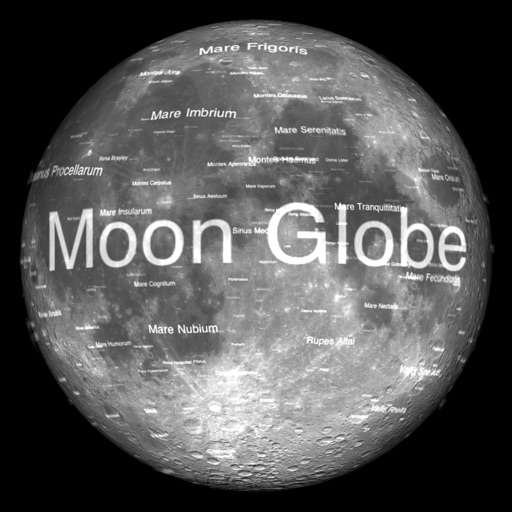
The app renders the Moon in realtime 3D using satellite imagery and topographic data. Users can manipulate the view, adjust sunlight, and see labeled terrain features and spacecraft.
Simulate landings with realistic flight dynamics and detailed graphics. Adjust controls to manage approach and landing. Receive feedback on performance with analysis and scoring. Save and review landing attempts.
Navigate using GPS to find real-world locations and interact with virtual objects and characters. Download and play Wherigo™ cartridges directly from the . Retain cartridges indefinitely and follow time estimates provided for expected playtime.
View past and upcoming launches worldwide. Access detailed information including time, location, mission specifics, and vehicle data. Check real-time weather updates for visibility, precipitation chance, wind speed, and cloud cover.
The spacecraft's design and mission details. View 3D models of the vehicle. Access information about the Artemis I mission and its objectives. Learn about capabilities for deep space exploration.