Simulate the Apollo Guidance Computer interface with a realistic keyboard layout. Tap the 'i' icon for help. Navigate through mission scenarios, input commands, and view system status displays as used during Apollo missions.
by AirSpayce Pty Ltd★ 4.611 ratingsNavigationFreeData updated 2026-09-08
The app offers a trick-taking card game experience with strong computer opponents and customizable rules. Players can choose between German and French decks, replay games, and access in-game help for beginners.
Explore scientific environments through 3D visuals and 360-degree VR. View audio interviews and video content with scientists. Learn about career milestones and challenges through interactive storytelling.
Track vehicle speed with a digital speedometer showing current, average, maximum speed, and total distance. Use offline mode for uninterrupted performance. Access two HUD modes for windshield display. Choose from 10 themes for customization.
Displays current location with address, latitude, longitude, altitude, and time. Includes AR navigation and satellite map views. Share location data. Choose from 4 theme colors. Automatically updates location and unlocks screen.
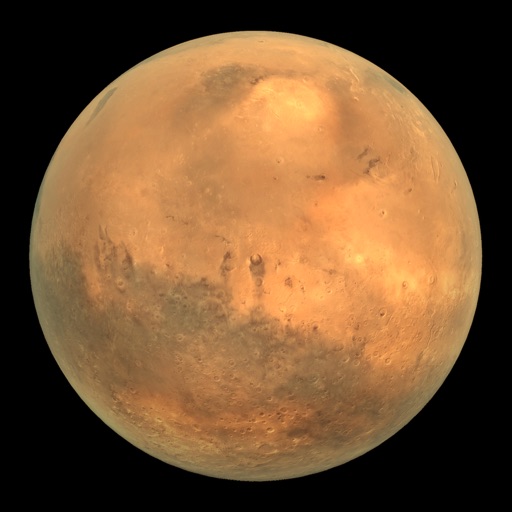
View Mars rover images in panoramic context with 3D options. Explore photos from Curiosity, Spirit, and Opportunity. Navigate terrain and compare images over time. Save and share selected views.
Track location data without internet connectivity. View date-wise location history on your . Access current location to record movement. No personal data is uploaded or shared. Monitor activity logs directly from the .
Explore the International Space Station using augmented reality. Navigate modules, learn about their functions, and view future space exploration roles. Simulate a spacewalk with guided tours.
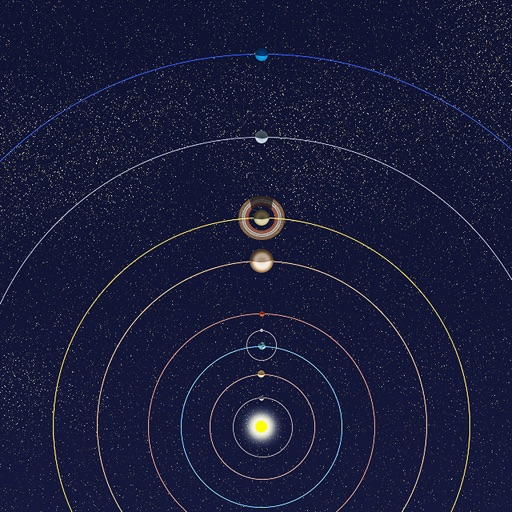
View positions of all solar system planets at any date. Adjust time to see real-time movements. Display accurate orbit sizes, eccentricity, and orbital shapes based on NASA data. Show realistic planet sizes relative to each other.