Create personal time-lapse videos by capturing and adjusting photos. Set reminders, change order and timings, and preview FaceSlides anytime. Choose from seven camera overlays or import multiple photos. Watch videos on Apple Watch.
by Atlum Limited★ 4.4106 ratingsPhoto & VideoFreeData updated 2026-09-08
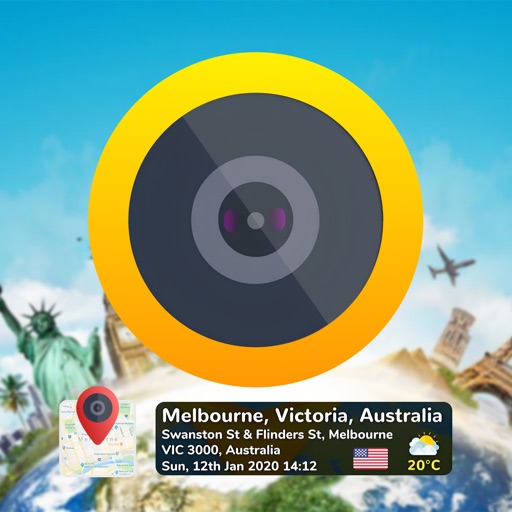
Add GPS coordinates, latitude longitude, and addresses to photos and videos. Include date and time stamps. Customize settings with grid, aspect ratio, flash, and selection.
Create animated videos from photos by applying effects to specific objects. Choose images from the gallery or take new photos. Apply transformations like explode, melt, crush, cake-ify, inflate, or squish. Export and share the final animated .
Edit photos with filters inspired by 70s, 80s, and 90s film cameras. Add light leaks and dust overlays. Adjust brightness, contrast, and saturation. Save edits in various formats and share directly.
The app allows users to adjust photo sizes and add watermarks to multiple images simultaneously. It supports various import and export formats, with options for real-time preview and metadata preservation.
The app allows users to create and share video stories. Users can choose themes, design titles, capture video, add screen text, and import photos to craft shareable time capsules.
Add time stamps, GPS coordinates, and exact addresses to photos and videos instantly. Enable grid, aspect ratio, switch, flash, focus, and timer settings. Store user locations automatically and reverse-geotag addresses.