The app allows users to retrieve preselected video segments and display them with notes. Users prepare an XML file with segment times, captions, and descriptions for video playback.
by Stephen Mamber★ 3.73 ratingsPhoto & VideoFreeData updated 2026-10-04
Capture moments instantly by taking photos to share in chats. Send images directly without typing. Share spontaneous thoughts and ideas through visual notes. Integrate with messaging apps for real-time communication.
Edit photos and videos with manual controls and custom film emulation. Adjust color and exposure settings. Support external drives for storage. Capture in professional formats. Manage advanced workflows with separate photo and video settings.
The app allows users to change a monochromatic background into any image. It offers tools to manually remove backgrounds without a green screen and includes features like auto-enhance, drawing, stickers, text, and various photo effects.
Watch videos teaching about Jesus, faith, and character through American Sign Language with English captions and voice-overs. Access Deaf Awareness content, testimonies, and resources for parents and teachers.
Create videos with text, mood expressions, and confessions. Add guest film adaptations and spoof elements. Export to MP4 for sharing on WeChat and other social platforms. Edit and produce videos in simple steps. Share directly to Facebook.
Generate captions for videos automatically. Translate captions into multiple languages. Edit and customize captions with formatting options. Export videos with in various formats. Sync captions with video playback for real-time viewing.
Long videos into customizable of 2.5s, 5s, 10s, 15s, 20s, 25s, 30s, 45s, or 60s. Save edited videos to the Photo Library. Share directly to social media platforms. Disable ads with a subscription.
Play audio and video content with automatic sentence splitting and subtitles. Adjust playback speed and repeat segments. Compare voice with original audio. Customize repeat settings for focused listening practice.
Turn a single photo into a short film with dynamic AI animation. Apply cinematic filters and effects. Export videos in high quality for social platforms. Adjust timing and transitions. Add background music and text overlays.
Watch footage with commentary and production notes
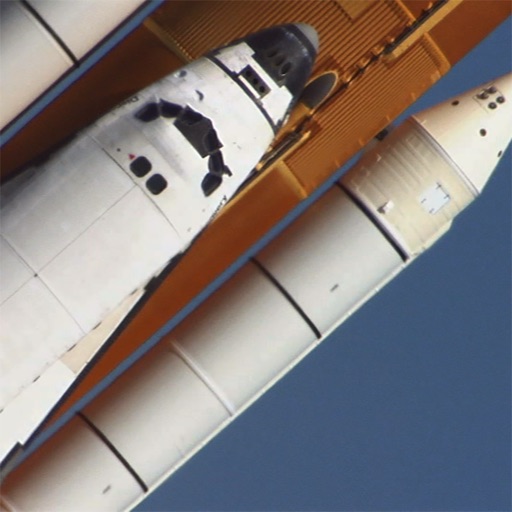
View and playback footage from STS-114, STS-117, and STS-124 missions. Access commentary, additional scenes, images, and production notes. Search and navigate through the entire collection.
Adjust from 1/10 to 10x. Edit of individual segments for smooth transitions. Support multiple formats. Trim videos easily. Export videos without watermarks.
Edit photos using filters designed to mimic the look of film taken in . Adjust brightness, contrast, and color tones. Save and share edited images directly.
Create animated video stories using pre-designed templates. Add personal photos and videos. Export and share to Instagram, TikTok, Facebook, Snapchat, or other social media platforms. Apply effects and transitions to enhance visual storytelling.
The app provides access to Pastor Pat's teachings in audio and video formats. Users can also view a pottery presentation, stay updated on events, and listen to daily radio segments.
Learn vocabulary from the Old Testament with 756 words that appear 50+ times. Study by word type or frequency. Test knowledge with quizzes. Track progress and review words. View detailed illustrations for contextual understanding.