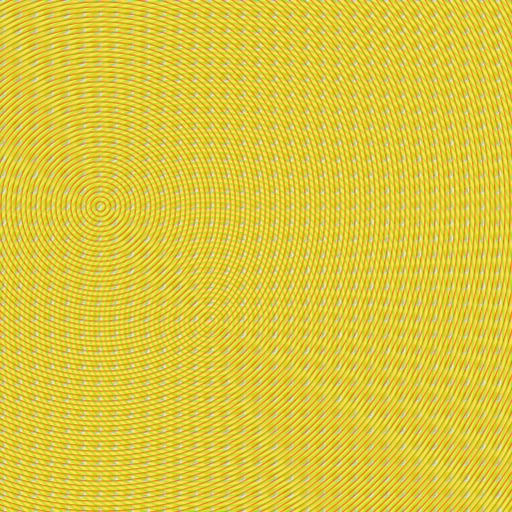
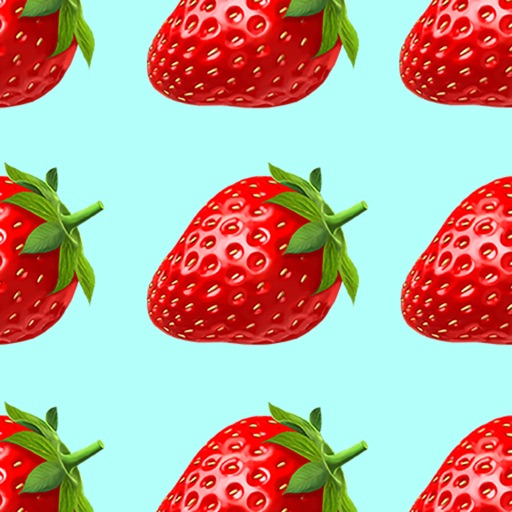
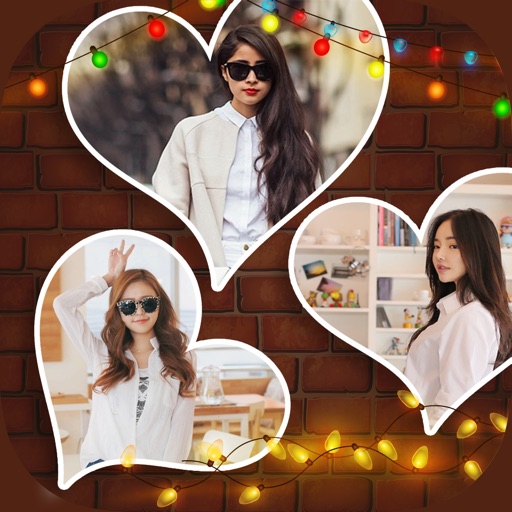
The app allows users to create patterns by layering motives, selecting colors, and adjusting their position, scale, or rotation. The resulting patterns can be shared, used as backgrounds, or printed.
by Dominik Wei-Fieg★ 3.02 ratingsPhoto & VideoFreeData updated 2026-10-04
The app allows users to add text and effects to images for social media sharing. It offers an intuitive interface for creating watermarks, greeting cards, and graphics with various text manipulation options and image filters.
The app offers over 100 stamps and callouts. Users can rotate and scale font sizes, choose from twelve handwritten fonts, and specify text color using RGB values.
Create and customize by molding jelly into various animal shapes. Add colors, patterns, and accessories. Listen to ASMR sounds. Interact with through touch gestures. Share creations with friends.
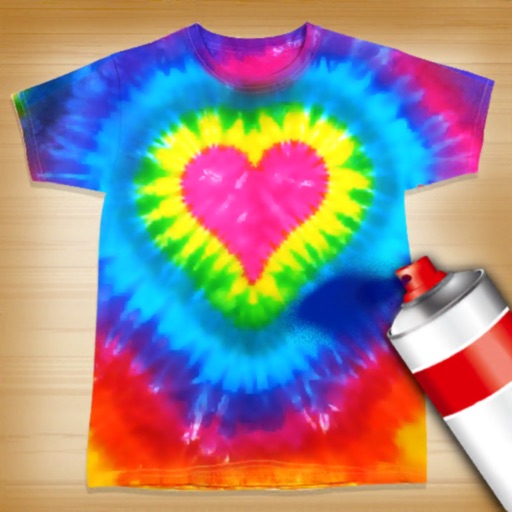
Create tie-dye patterns on dress designs using color tools and brushes. Customize sneakers and shirts with rainbow hues. Save and share designs. Access tutorial guides for styling tips. Sync progress across devices.
Create art by selecting colors and adjusting brush settings. Draw on a -like surface where flows and shifts. Manipulate to blend colors or form shapes. Use the dynamic behavior for creative expression and artistic experimentation.
Create by selecting from 300 stickers, adding photos or emojis, and customizing background color, shadows, and font. Compose personalized messages and share via Facebook, Messenger, Twitter, WhatsApp, Messages, email, or save to photos for later use.
Create symmetrical Easter egg drawings with customizable background and brush colors. Select from four brush sizes. Save or share artwork. in random mode for automatic brush size changes.