Extract high-quality still images from videos or Live Photos. Select and edit frames with built-in tools. View and edited photos directly. Play videos from local storage or iCloud. Scrub through footage for precise frame capture.
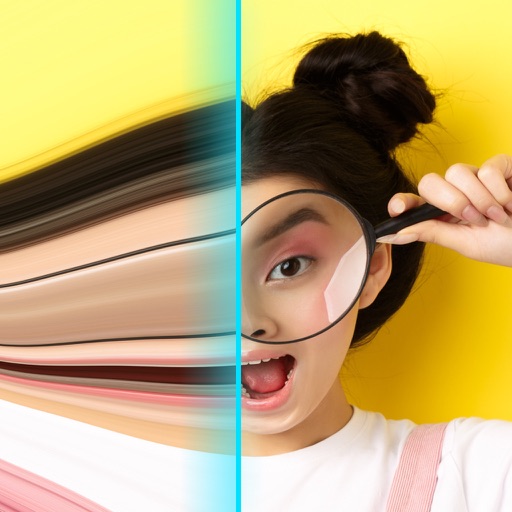
Record videos with - effects by capturing footage and adjusting scan speed, direction, and timer. Freeze or stretch specific parts of the frame to create surreal visuals. Share the edited videos directly from the .
Set high-definition 4K for home and lock screens. Customize backgrounds according to personal preference. Download and save directly. Assign selected images as lock screen via the photo album. Long-press lock screen to apply live .
Remove backgrounds from photos to create transparent images. Highlight the subject and replace the with a new image. Adjust transparency and export the edited photo.
Design and customize with unlimited cloud-stored options. Apply to photos and videos. Share edited content directly. Access new regularly without device storage limits.
Create collages, stories, and posts from photos with 1000+ layouts and themed templates. Remix up to 20 images with editing tools. Apply filters, remove backgrounds, and add cutouts. Share directly to social media or save as files.
Create personalized with custom frames and effects. Add multiple photos to make a collage. Design greeting with floral themes. Share finished via email or social media.
Create stickers using images from the internet, camera, or photo library. Edit with text, animations, and effects. Export in JPEG, PNG, or WEBP formats. Share stickers via WhatsApp, iMessage, Telegram, and other platforms.
Apply filters and to photos. Select from pre-designed templates to create images or cards. Edit photos by adding text, stickers, and custom . Share edited photos directly.
Remove backgrounds from images by drawing a closed curve. Automatically erase similar color areas for transparent results. Adjust brush size for precise edits. Pan, zoom, and rotate images.
Browse artwork, download images, and display photos
Browse and download artwork, paintings, and photos for Samsung TV or Hisense CanvasTV. Access integrated libraries from Smithsonian, Wikimedia Commons, and Unsplash. and adjust images to fit borderless displays. Share or save edited photos directly.
Set wallpaper for models including 16, 16 Pro, 16 Pro Max, 15, 14, 13, 12, 11, and others. Choose from high-quality Ultra HD images. Apply directly to device home screens and lock screens. No subscription required.
The app allows users to view thousands of artworks by selected artists. It provides native support for images, videos, and 3D models within each artwork.
Pray the of with guided . Swipe left or right to switch images. Adjust volume, playback speed, or show playback time by tapping the settings icon. Settings are saved automatically and reload on launch.