Apps Like Veracross Camera & Files for iPhone and iPad
Build class resources from an iOS device.
The Veracross Teacher Camera & Files enables educators to create class resources using an iOS device. The app integrates with iOS functions to add photos and files directly to a user's class website or resource library.
by Breuer & Co LLC★ 5.01 ratingsEducationFreeData updated 2026-10-03
Record and tag key points for quick access. Play specific sections to review important concepts. Study on the go using iPhone or iPod. Sync across devices. Share tagged content with classmates.
The app helps teachers organize classes, syllabi, assignments, and announcements. It allows sharing course materials with students and works offline, syncing when connectivity is available.
Convert images to JPEG or PNG formats. Supports HEIF/HEIC and common types. Converted files are saved to the Photos with automatic album creation for JPEG or PNG. No ads.
Hide and videos in the . Lock access with Touch ID, Face ID, or a custom PIN. Display a splash screen when not in use. Import from or Files and export to . Support for galleries and albums.
Manage and organize digital files in the cloud. Auto-tag content for instant sorting. Create and curate media collections without duplicating files. Share files easily with customizable permissions. Upload files quickly through a browser.
Create social media content by converting to reels. Add from device or cloud storage. Apply filters and crop images. Trim audio and adjust fade effects. Save final edits to photo library.
Create and style photos with single tap effects. Apply 8 filters including , Cartoon, and Dots. Share images to social media or save to photo library. Print photos directly.
Apply visual effects to photos using finger controls. Adjust each effect with customization options. Use particle-based effects for dynamic results. Edit photos from camera or library. Save and share edited images.
Manage class schedules and reschedule lessons based on availability. View lesson reports and teacher feedback. Track learning progress and communicate with educators to support academic development.
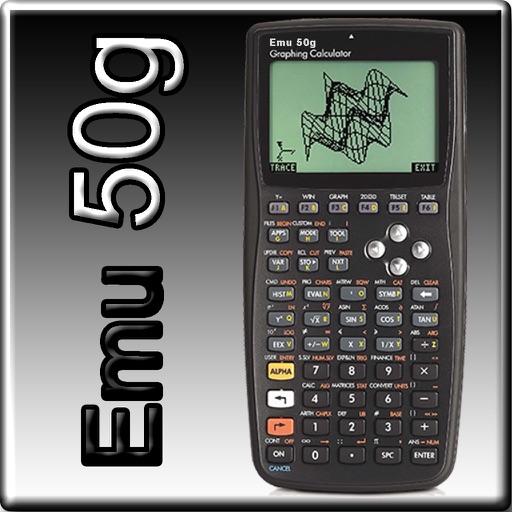
The app provides full emulation of the HP50g calculator with its original skin. Users can save and load calculator states, transfer files, and copy/paste results.
Read scripts smoothly with a effect. Record high-quality videos while scrolling text. Convert photos into editable scripts using image recognition. Trim and refine recordings within the . Share finished videos directly.
Hide private photos and videos from unauthorized access. Take and import media using the built-in or photo library. Import and export files via iTunes File Sharing. Share selected media directly to social media platforms.
The app allows users to create interactive presentations and demo videos. It offers features like freehand sketching over live video, adding pictures and shapes, and picture-in-picture recording.
The app offers access to student resources including BuffAdvisor, WTClass, and BuffTransit. It also provides public resources such as Campus News, Athletics, and the Cornette Library.
The app allows users to browse and save images and videos from various social networks and services. It supports multiple accounts, timeline switching, and direct streaming of ZIP archives.
Track student attendance, submit and view homework, check results, and access circulars and calendars. Manage fee dues, library transactions, and staff information. Share updates between parents, teachers, and management.
Scan and delete duplicate, blurry, or unwanted photos and videos. Compress large files to free up space. Merge duplicate contacts. Optimize and improve device performance with one-tap cleaning actions.