Apps Like Algebra I Quick Reference for iPhone and iPad
Review concepts anytime
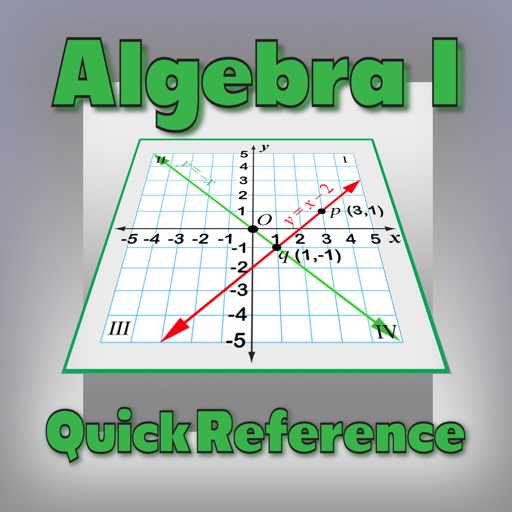
Review algebraic concepts with explanations of properties like distributive, commutative, and associative. Solve equations step-by-step. Access formulas and examples for linear and quadratic expressions.
by Ventura Educational Systems★ 0.00 ratingsEducation$0.99Data updated 2026-09-08
Solve math problems with step-by-step explanations. Access interactive lessons and practice exercises. Track progress and receive personalized feedback. Share solutions with classmates. Sync study sessions across devices.
Learn with video lessons, guided practice, and tests. Track progress with grade reports. Access background modules, diagnostic quizzes, and worksheets. Review chapters and take a final exam to reinforce understanding.
Solve problems by typing or snapping photos. Receive step-by-step solutions and explanations. Track progress and understand concepts. Available for all skill levels.
Study for the ATI with expert-written English questions and 2,000+ practice items. Access timed testing, full test simulations, and custom quizzes. Review answers with step-by-step explanations. Track progress with smart analytics.
Solve mathematical problems with fraction, decimal, and equation input. Display results in decimal, rational, , or trigonometric formats. Support up to 16 decimal places for precise calculations.
Lets users solve math puzzles using emojis. Each puzzle represents a mathematical equation. Users can tap emojis to reveal numbers and solve equations. The offers varying difficulty levels and tracks progress.
Solve SAT math problems with unlimited practice questions covering algebra, geometry, and advanced topics. Practice timed drills and review detailed explanations for each answer.
Solve , physics, biology, and chemistry problems by scanning equations. Get step-by-step explanations and instant solutions. Edit and resend problems for clarification. Track progress and review detailed answers.
Learn single-digit to advanced problems with customizable difficulty levels. Use Apple Pencil for writing answers, speech input for verbal responses, and iCloud Sync across devices. Track progress and adjust settings for individual learning needs.