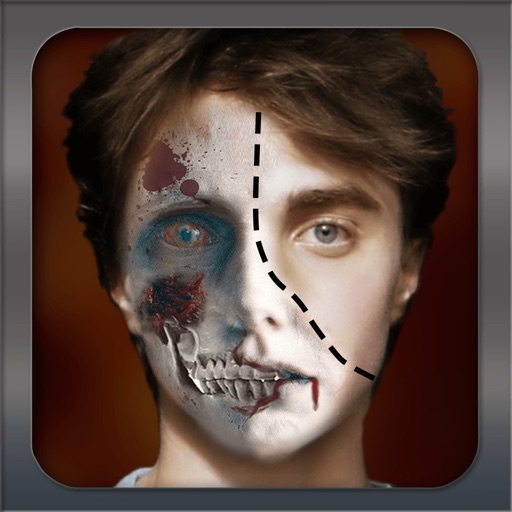
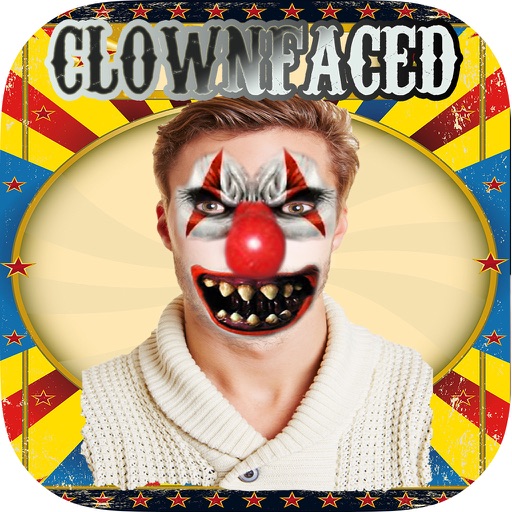
Transform into a using recognition or preloaded images. Apply or horror organ filters to photos or videos. Add text messages to images. Save edited photos to the device. Share transformed images with friends via social media or messaging apps.
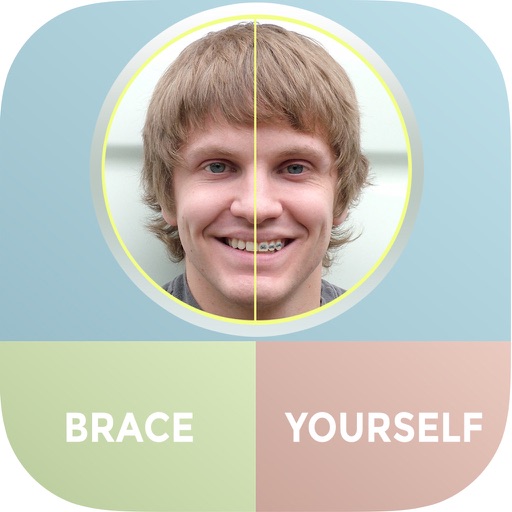
The app allows users to see themselves with braces using their iPhone and iPad. Users can add multiple sets of braces to photos and share them via Facebook, Twitter, or email.
Create morphing videos by blending pictures with music. Add photos from the library or take new ones. Apply filters and set a timer. Share videos to social media or other platforms. Use AI for smooth transitions and color grading.
Lets users exchange faces between photos. Users can entire faces or specific features like eyes, lips, and nose. Multiple swaps are allowed in a single . Faces can be copied, saved, and reused in other images.
Create face morph videos by blending images of faces. Adjust transitions for smooth effects. Add text and stickers to videos. Export and share final videos directly.
Create videos from photos with customizable animations and music. Choose from themed effects or add personal audio. Edit sequences, adjust timings, and share finished videos directly.
Edit photos with one-click body reshaping and scene-adaptive optimization. Adjust parameters for precise control. Apply regularly updated filters. Enhance body proportions by identifying 30+ key points. Share edited images directly.
Create photo layouts and GIFs for events. Guests can take photos, add effects, and share directly. Includes intuitive interface and continuous operation for long events.
Create and customize photo collages with layout designs. Capture photos and videos using a DSLR camera. Share edited content directly or export in multiple formats. Add text, stickers, and filters to images.
Edit photos with age filters to visualize appearances. Adjust facial features and skin texture for realistic previews. Save and share edited images directly.
Create videos using personal photos and . Select images from the Photo Library, apply transition animations and set frame durations. Save videos to the Photo Library or share them directly.
Add hats to photos using touch-based adjustments. Choose from various hat styles like King's Crown, Princess Tierra, and Cowboy Hat. Apply hats to people, pets, or celebrities in any image. Share modified photos directly.
Apply effects to photos. Share edited images on Facebook, Twitter, WhatsApp, and Instagram. Adjust settings to customize the appearance. Save and export modified photos.
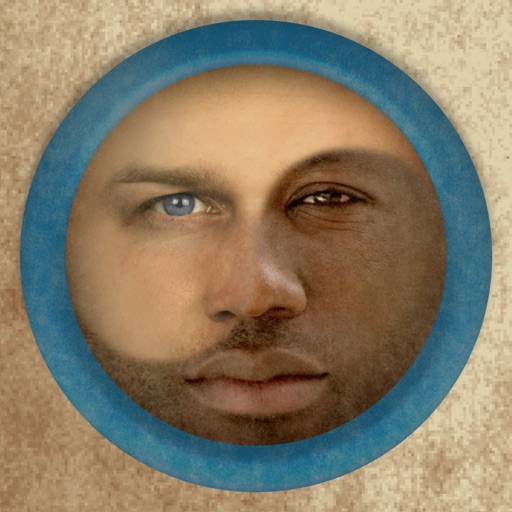
Merge faces to create humorous mixed images with friends, family, or celebrities. Adjust facial features and proportions. Share results via email, MMS, Facebook, or Twitter. Use preloaded example pictures or upload photos.
Create realistic effects like car dents, window breaks, and crime scenes. Apply filters to photos to simulate . Share images on social media platforms such as Twitter and Facebook.
Predict ’s appearance using AI-generated images based on parents’ photos. Upload partner’s photo to create a future child’s . Adjust facial features and view different variations. Share generated images with others.
Apply masks to photos or existing images. Choose from 41 masks, upgradeable via in- store. Share edited images to Facebook, Twitter, or email. Features easy-to-use interface and full compatibility with iPhone and iPad.