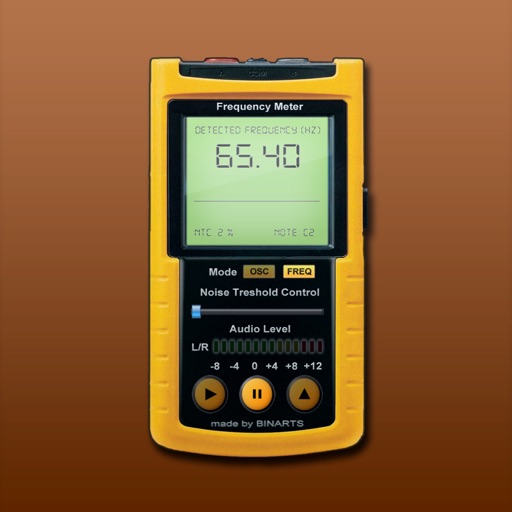
Measure and analyze audio frequencies with real-time scanning from internal or external microphone. Display audio level, noise level, range, current , oscilloscope, and spectrum analyzer. Calibrated for accuracy between 15 - 22500 Hz with +/- 0.
by Lubomir Havran BINARTS★ 1.830 ratingsMusic$2.99Data updated 2026-09-08
Test performance with frequency analysis and decibel measurement. Clean speakers by removing trapped water. Generate pure tones for testing or tuning. Calibrate audio equipment for accurate sound output.
Edit audio with EQ modes, stereo or mid-side processing, and upsampling options. Compare audio using A/B functionality. Adjust settings with macro controllers and undo/redo features. Access a scalable interface and built-in gain matching.
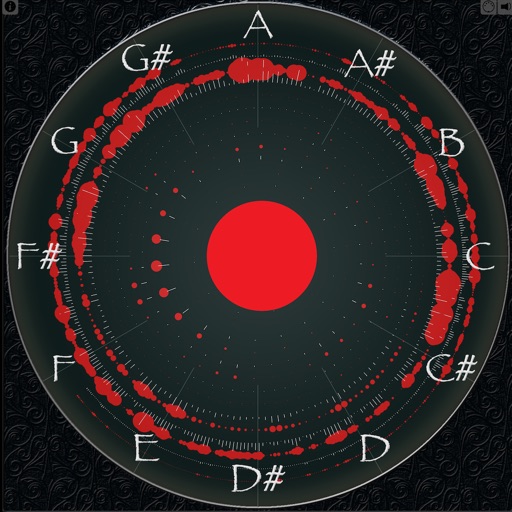
Displays sound frequencies using a Fast Fourier transform. Users can visualize incoming sound as individual sine waves. The shows frequency spectrum displays to analyze audio components.
Create stereo delays with adjustable parameters for various sound effects. Simulate tape characteristics including noise and warble. Apply filters in the delay loop for dub-style tones. Use stereo delay, detune, and ping-pong options.
Tune strings with frequency detection and visual indicators. Access smart library and tuning fork. Adjust advanced settings for sensitivity. Display LED tuning status. Works on iPhone, iPad, and iPod touch.
Tune instruments a and . Generate pitches using four waveforms. Use advanced DSP for precise tuning ±0.1 cent accuracy. Switch between tuning modes and adjust sensitivity settings.
The app generates sine, triangle, sawtooth, and square waves from 20 Hz to 20 kHz. It also produces white noise and pink noise, with manual frequency input and waveform selection.
Edit audio files by boosting volume and isolating vocals. Separate audio tracks for precise mixing. Create custom mixes with advanced enhancement tools. Sync with AI-driven music platforms for seamless integration.
The app generates sine waves, square waves, white noise, and pink noise. Users can select frequencies between 20Hz and 20kHz with multiple resolutions or enter exact frequencies via keyboard.
Boost device beyond system limits. Increase music output for headphones or speakers. Adjust sound levels to enhance audio clarity. Enable playback for calls and media. Control settings directly within the .