Calculate with , edit equations instantly, preview
Input allows users to speak equations for instant calculation and audio output. Tap to edit equation parts without backspacing. View equation components above the input and the result below. Access calculation history and favorites for quick reuse.
Practice arithmetic with randomized tests covering addition, subtraction, multiplication, and division. Access tables from 1 to 12 for skill reinforcement. Track progress through repeated exercises and timed challenges.
Learn through interactive puzzles and levels. Practice basic operations with over 6000 exercises. Track progress and develop problem-solving skills. Challenge yourself with increasing difficulty.
Practice skills with customizable difficulty levels. Play offline with family or friends. Track progress through brain activation exercises. Set focus-enhancing challenges. Share high scores with others.
Learn anatomical structures through interactive modes. Choose It mode highlights structures for identification with multiple-choice questions. Touch It mode requires locating and touching specific structures on anatomical images.
Learn alphabet, numbers, animals, shapes, and colors
Learn uppercase and lowercase letters, count numbers from zero to twenty-five, identify animals with sound effects, recognize shapes, and name colors. Play quizzes to select correct answers or explore interactive activities at your own pace.
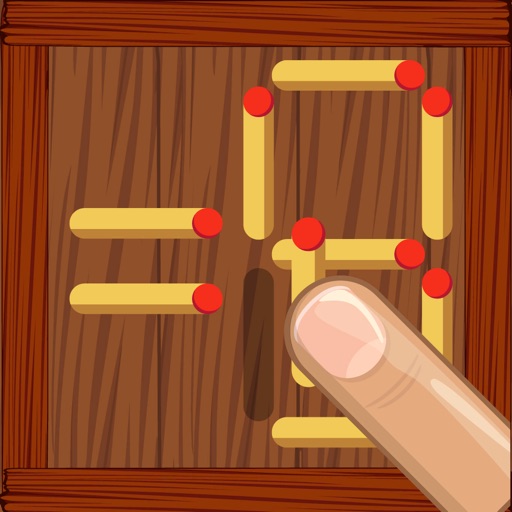
Solve equations by moving matches to correct the equation. Complete 600 levels designed to improve skills and logical thinking. Features include varying difficulty levels and brain-stimulating puzzles.
Allows users to transform by pasting content, selecting a , and copying the result. It supports offline use and provides instant formatting without requiring internet access.
Access a library of universal symbols with HTML code support. Copy symbols from ISO-8859-1, HTML, or special categories. Edit equations directly in the equation editor and copy formatted results.