Take photos with customizable cartoon frames. Select from over 20 styles for backgrounds and panoramas. Edit images with filters and effects. Share photos to social media or save to the photo library.
by SuperSoftware co., Ltd.★ 3.814 ratingsPhoto & VideoFreeData updated 2026-09-08
Edit photos with filters, effects, and auto retouching. Apply unique styles and vintage looks. Adjust brightness, contrast, and saturation. Add text and stickers. Export and share edited images directly.
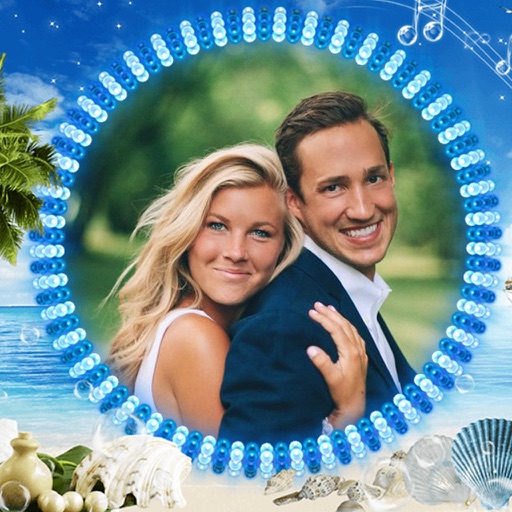
Edit photos by selecting from the gallery or using the camera. Apply various frames and effects. Adjust position, size, and angle of images. Save, share, or upload photos to social networks like Facebook and Twitter.
Edit with predefined filters, styles, and background effects. Adjust image ratios automatically. Share directly to Facebook, Instagram, or Twitter. Add and customize backgrounds for social posts.
Edit photos with blending tools to create double exposure effects. Add frames, quotes, and background elements. Apply single-layer filters. Export edited images without ads. two images with one touch.
Edit photos with blur background settings, shattering effects, and color frames. Add overlays and crop, rotate, or flip images. Import from gallery or camera, and share edited photos to social media.
Create photo collages by combining 2 to 9 images into one. Adjust size, position, and layout. Choose from various templates and styles. Add stickers, frames, effects, and patterns. Share finished collages directly.
Edit photos by selecting from the gallery or capturing with the camera. Apply multiple and effects. Adjust image position, size, and angle. Save, share, or upload photos to social networks like Facebook and Twitter.
Take black and white photos with live preview. Use colored lens filters and professional conversion filters. Adjust contrast, brightness, and exposure in real time. Add film grain and black vignetting.
Create self-portraits with sketch and artistic effects. Apply filters like sketch, painting, and pixelate. Save photos to the library or share on social media platforms. Print images directly.
Capture photos with a variety of frames including general, antique, fame, fun, heart, flower, kid, Christmas, Halloween, diamond, and gold. Use custom frames with adjustable transparency, hue, saturation, and brightness. Apply filters and effects.
Create photos with effects and light leaks. Apply 36 shapes and 33 light leak effects. Use 23 image filters. Adjust size, opacity, and color. Draw multiple shapes with touch. Apply multiple shapes to one photo.
The app allows users to combine two photos to create blended images. Users can select photos from their library, take new pictures, or use provided samples to generate humorous results.
Add a realistic ghost to photos of yourself or friends. Select from various images. Edit the photo to place the ghost next to the subject. Share the modified image directly.
Edit photos with high-quality and adjust settings for optimal resolution. Select images from the library or capture new ones. Apply stylish themes and save edited photos directly to the device.