Take multiple photos with customizable delays ranging from 3 to 60 seconds. Use countdown audio for timing. Choose multiple snap options. Control flash settings. Preview photos and share to social media. Save images directly to the gallery.
by Nick Culbertson★ 4.78,370 ratingsPhoto & VideoFreeData updated 2026-09-08
Math problems, write essays, and explore scientific concepts with AI assistance. Snap photos for instant breakdowns and step-by-step solutions. Access explanations and answers across multiple subjects.
Snap photos to catalog clothing, shoes, and accessories. Organize items into outfits and tag them for easy sorting. Create collections using tags. Track outfit usage with event scheduling to avoid repetition. Export or share outfit details.
View photos, customise messages, and position them
Displays selected photos on the home screen with customizable message placement and sizes. Users can update photos automatically and personalize messages with specific positioning options.
Edit photos with automatic brightness, contrast, and saturation adjustments. Apply like blurred, sketch, sepia, and vintage. Share edited images directly to social media.
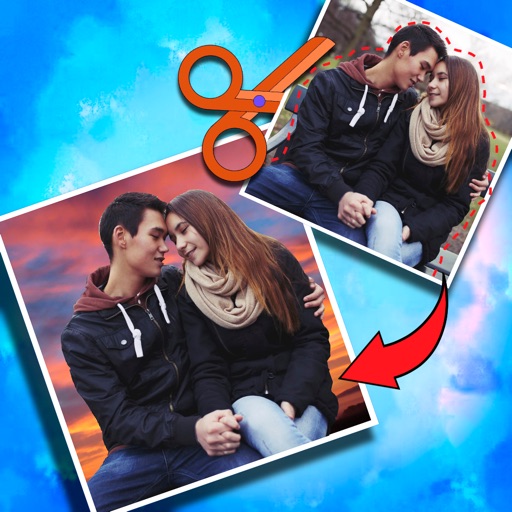
Crop photos and save individual cropped sections for later use. Combine cropped images with backgrounds or other photos to create new compositions. Apply filters to enhance the visual appearance of edited images.
Edit photos with starlight matting, changes, and multiple lighting styles. Apply stickers, erase selected areas, and use smudge tools for quick matting. Save and share edited images directly.
Edit photos by selecting from a gallery or the camera. Apply multiple stylish and effects. Adjust position, size, and angle with finger gestures. Share edited images directly.
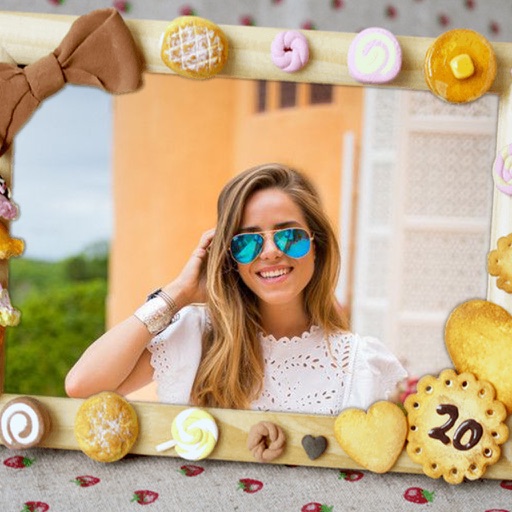
Edit photos by selecting from the gallery or using the camera. Apply multiple frames and effects. Adjust position, size, and angle. Save edited images and share via social media or email.
Edit photos by selecting from the gallery or capturing new ones. Apply various and effects. Adjust position, size, and angle. Save edited images and share via social media, email, or messaging apps.
Personalized by selecting photos or from your gallery and applying favorite frames. Adjust images with zoom, rotation, and movement. Choose background music or mute the video. Save and share the final video through social media apps.
Take a photo of an object and use AI to estimate its weight based on size and proportions. Measure multiple object types like produce, luggage, or tools. Save and share weight estimates directly from the .
Edit photos by selecting from the gallery or capturing new ones. Apply various and effects. Adjust position, size, and angle. Save, share, or upload to social media platforms like Facebook, Twitter, and email.
The app allows users to print photos using the Photo Cube Wireless printer. Users connect to the printer's wifi, select and edit a photo, and then print it in under a minute.
Convert photos to PDF by selecting multiple images and adjusting settings like margin, page orientation, and image content mode. Customize PDF size and quality. Preview and optimize documents before exporting.
Edit photos by selecting from the gallery or capturing new ones. Apply various and effects. Adjust position, size, and angle. Save edited images and share via social media, email, or messaging apps.
Edit by blending images from the gallery or combining them with existing templates. Adjust exposure and color to create double exposure effects. Save and share the final edited image.
Personalized by selecting photos or from the gallery and applying favorite frames. Adjust images with zoom, rotate, and move gestures. Choose background music or mute the video. Save and share the final video through social media apps.