Learn and practice and modes with interactive lessons and scale position loops. Swipe across strings to play and adjust speed. Use the tuner to stay in tune. Track progress and build muscle memory for improved finger dexterity and improvisation.
Learn guitar notes with interactive educational games. Practice musical ear training, study over 500 chords across the , and explore scales in various positions. Customize tuning and select modes for focused practice.
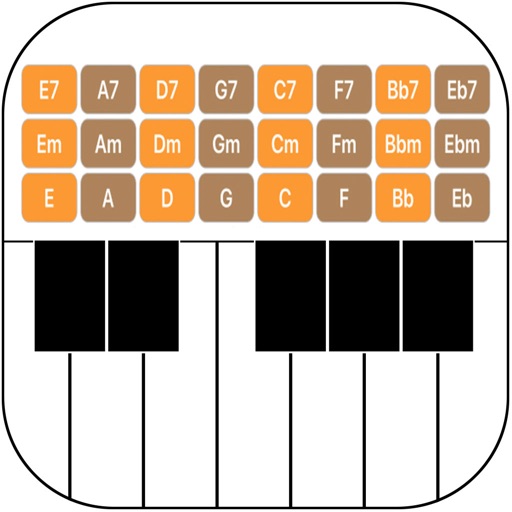
Connect your Techno or neo to play music. Choose from various instrument sounds and built-in rhythms. Adjust settings to customize sound. Access controls through a simple, intuitive interface. Jam along with pre-set beats or create custom tracks.
Tune instruments with real-time pitch detection and 0.1-cent accuracy. Support for string, brass, woodwind, and percussion instruments. Includes tuning mode, waveform inspection, and noise reduction. Calibrate to live sound or A4 standard.
Play the oud instrument with realistic acoustic sound. Access scales and notes for practice. Record and share music on social media. Use a piano interface with oud sounds. Manage audio files and engage with interactive features.
Music "Select musical keys using a circle of fifths interface. Display major and parallel minor scales. Adjust visible section with sliders. Choose note name language between German, English, or Italian."
Offers a professional with multiple views and high precision. Access guitar lessons, gear reviews, and theory via YouTube integration. Use a flexible and drum machine for practice. Find interactive chords and scales with visual guidance.
Using a virtual with full octave range. Access realistic sound samples. No setup required. Features a clean interface with no extra features. Export performances as audio files.
The app offers a comprehensive package for guitarists, including chord and scale references, arpeggios, alternate tunings, and a virtual guitar. It features a tuner, reverse chord/scale finder, and quizzes to enhance fretboard knowledge and playing.
Train musical ear with percussion instrument recognition. Practice pitch identification, rhythm exercises, and interval . Track progress with detailed analytics and adjust difficulty levels.
Learn harmony and voicings with interactive lessons and a library of chords and voicings. Use the Coach to visualize mallet positions. Create and export MIDI sequences. Play chords on vibraphone or keyboard instruments.
Learn with visual patterns and chord diagrams. Practice exercises to improve speed and accuracy. Track progress with built-in quizzes and feedback. Sync lessons across devices and adjust difficulty levels.
Allows users to play notes with customizable layouts and multiple notes on screen. It includes music theory integration for note identification and chord recognition. Users can adjust key signatures and scale modes.