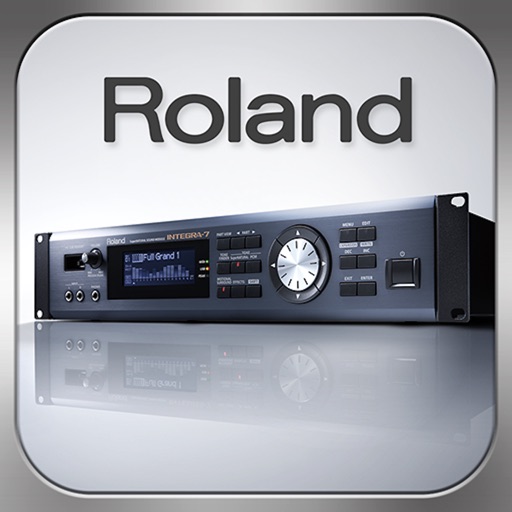
Control synthesizer parameters like SuperNATURAL Synth Tones and Part Mixer remotely. Select and load Studio Sets. Adjust tone assignments for each part. View and modify settings on an iPad screen. Requires Roland -7 and Wireless Connect.
by Roland Corporation★ 3.446 ratingsMusicFreeData updated 2026-09-08
Create and manipulate audio using a polyphonic synthesizer with customizable . Play virtual keys to generate sounds. Use as an AUv3 plugin for music production. Adjust parameters to modify tone and effects.
Create visualizations using audio and MIDI data. Customize graphics with 8 layers that use shaders, images, or videos. Generate dynamic visuals in real-time during music playback. Adjust parameters to control effects and synchronization.
Control playback on compatible Network Players or A/V Receivers via local network. Adjust volume, select sources, and manage playlists. Supports Onkyo, Pioneer, Integra, TEAC, Denon, and Marantz devices with HEOS technology.
Allows users to access a library of high-quality virtual instruments. Load and play patches, adjust parameters, and record performances. Export audio files and share via email or cloud services.
Control a compatible receiver with Bluetooth connectivity. Adjust volume, switch input sources, toggle power, and manage playback functions. Access radio presets and change bands. Mute and pause media. Seek forward or backward.
Convert or bass input into polyphonic synth sounds in real time. Adjust waveform, filter, and modulation parameters. Save and recall presets. Connect to audio interfaces and DAWs for recording and live performance.
Control audio settings via Bluetooth connection to compatible receivers. Adjust volume, power on/off, switch input modes. Access radio bands, seek, presets, and auto store features. Manage Bluetooth connections and input sources remotely.
Create and edit patterns with polyrhythmic tracks. Add bass and lead synths. Use audio unit support and new FX modules. Import and export projects. Playback and record loops. Retain compatibility with DM1 song files.
Stream wirelessly to compatible speakers via Wi-Fi. playback, adjust volume, and manage playlists. Access a library of songs and podcasts. Sync with multiple devices and share across rooms.
Create and manipulate sounds using virtual analog modules. Adjust oscillators, filters, and envelopes. Route signals through effects like reverb and delay. Save and load presets. Export audio files and share via social media or email.
Create and customize synth patches using analog modeling technology and intelligent preset generation. Adjust modulation parameters for sound shaping. Access a library of pre-designed synth tones. Export audio files for use in projects.
Control Line 6 amplifier via iOS device. Load and save presets, store them on the amplifier, tune guitar, and access DSP parameters not available on the amplifier directly.
Create and manipulate synth sounds with oscillators, filters, and envelopes. Adjust parameters for tone shaping and modulation. Save and load presets. Export audio files and integrate with digital audio workstations.