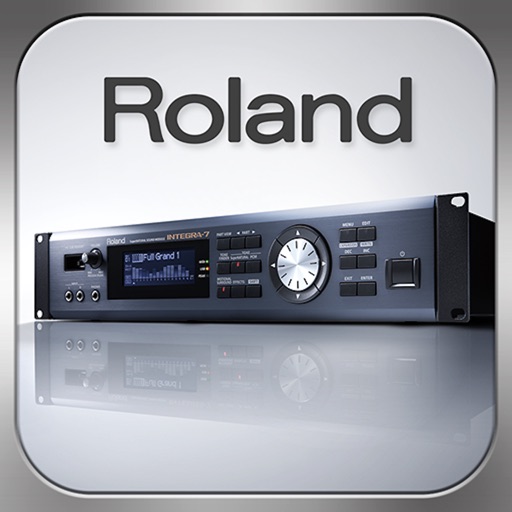
Control synthesizer parameters like SuperNATURAL Synth Tones and Part Mixer remotely. Select and load Studio Sets. Adjust tone assignments for each part. View and modify settings on an iPad screen. Requires Roland -7 and Wireless Connect.
by Roland Corporation★ 3.446 ratingsMusicFreeData updated 2026-09-08
Play a fast-paced action game as a space beetle, navigating through nine levels with one-handed controls. Perform moves in sync with a pulsating soundtrack. Survive boss battles and experience intense rhythm-based gameplay.
Play and customize high-quality piano SoundFonts. Import and edit SoundFonts with built-in synthesizer tools. Apply professional effects to enhance sound. Save and share modified SoundFonts.
Control monitor mixes on stage via smartphone or tablet. Adjust levels, mutes, and EQ settings. Save and recall custom mixes. Connect to CQ mixer via Wi-Fi or external router.
Control device power, select audio sources like Line Input, DAB, Internet Radio, Podcasts, FM Radio, or Bluetooth. Adjust volume, play/pause, and access pre-sets. Connect to Wi-Fi, set up devices, and add new products to your home network.
Learn to program synth patches by ear using video lessons and interactive challenges. Practice on a built-in soft synth. Create custom sounds through hands-on training. Receive real-time feedback during exercises. Save and share synthesized patches.
Create and edit music with advanced synthesizer features. Load and manipulate sound samples. Adjust filters, envelopes, and modulation. Save and export audio files. Use multiple skins for interface customization.
Create and control complex control layouts with precision. Edit audio and MIDI files. Send and receive MIDI and OSC messages across multiple connections. Support for OSC over UDP. Adjust parameters in real-time. Sync with iOS and Android devices.
Create and manipulate complex sounds using a vintage synthesizer interface. Adjust filters, envelopes, and oscillators. Control via MIDI, MPE, and Ableton Link. Export audio files and integrate with AUv3 plugins.
Control volume, select inputs, and adjust settings for Yamaha Systems. Enable auto/manual sound beam adjustment for specific models. Choose surround modes and manage Bluetooth connections for wireless operation.
Audio devices with volume adjustment and source switching. Create and edit speaker sound profiles. Set auto-standby time and customize volume steps. Limit maximum volume. Manage speaker onboarding and settings remotely.
Control mixing, processing, and effects of X18/XR18/XR16/XR12 mixers via iPad. Adjust 18 input channels and 12 buses. Edit 4 stereo effects processors. Access routing, EQ, and dynamics settings. Save and recall mixer configurations.