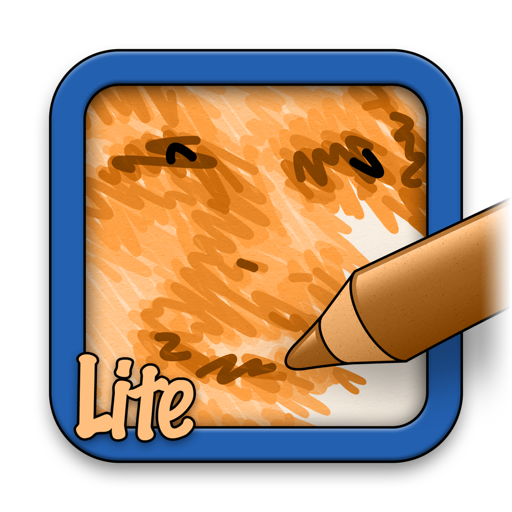
The app analyzes a user's photo and redraws it stroke by stroke on a blank paper. This free version has limitations including 1 megapixel output and no color sketches.
by Studio Mee★ 0.00 ratingsGraphics & DesignFreeData updated 2026-10-02
Create still or animated drawings that flow and evolve. Use generative brushes for natural, responsive sketching. Design fluid artwork for backgrounds or sharing. Adjust brush settings for precise control. Export drawings in various formats.
Multiple images simultaneously with customizable pixel dimensions. Choose from four modes including fixed width, fixed height, maximum pixel, aspect fill, or aspect fit. Export resized images in selected formats.
Edit images and videos by selectively recoloring elements. Extract objects, shapes, and text using tracing, magic eraser, and recoloring tools. Deform and extracted elements with distortion tools.
Create paintings by generating strokes automatically. Adjust brush size and color. Animate the painting process. Start from an empty canvas and refine details manually. Export artwork in various formats. Share finished pieces directly.
Create detailed artwork with realistic brushes and watercolor effects. Scale canvas up to 64 times with precise grid and pixel-level accuracy. Use over 80 brushes, erasers, smearing tools, rulers, cutters, fill tools, and color pickers.
Convert prompts into digital artworks by selecting a style. Edit generated images, adjust colors, and export in various formats. Share creations directly or save to device.
Create and fly optimal flight paths for mapping using photogrammetry. Process maps with custom software or online service. Sync flight logs and mission plans for debugging and troubleshooting.
Edit videos, stabilize shots, upscale quality, enhance
Edit videos with stabilization, 4K upscaling, frame rate enhancement, and AI-generated slow motion. Add transitions and effects. Export in various formats and share directly. Sync with cloud storage for backup and editing on multiple devices.
Resize and crop images for specific dimensions and resolutions. Adjust colors and metadata accurately. Batch process multiple files with customizable workflows. Export in various formats for social media, printing, or projects.
Drawing techniques through step-by-step lessons. Create and customize sketches with various tools. Access coloring features and save artwork. Share drawings directly from the . Track progress and revisit previous lessons.
Edit photos and videos with manual controls and custom film emulation. Adjust color and exposure settings. Support external drives for storage. Capture in professional formats. Manage advanced workflows with separate photo and video settings.
Create diagrams, technical sketches, and geometric art on digital graph paper. Draw with customizable pen colors and stroke widths. Edit objects after drawing. Use full-screen mode and hideable guides for focused design.
The app provides tools for creating sketches, doodles, drawings, and notes. It includes features like sketch paper, color pencils, erasers, a magnifying glass, smudge finger, and water blur.