Play using a realistic virtual instrument modeled after the 275 Titanium Grand . Adjust touch sensitivity, select from multiple samples, and customize sound settings. Save and share performances directly.
Create and manipulate string-like sounds using physical modeling synthesis. Adjust string tension and delay settings for tone shaping. Play with a 25-key keyboard or MIDI controller. Apply stereo delay and filter effects to modify sound output.
Connect MIDI devices to iOS music apps via Bluetooth LE or USB. Route virtual ports to Bluetooth or USB ports. Supports low-latency MIDI transmission for compatible applications.
Create and edit music using sampled Mellotron sounds from the 1960s. Access a library of instrument tapes including strings, choirs, and horns. Adjust pitch, volume, and effects. Export projects in audio formats and share files directly.
Create drum sounds and synthesize vocals using a 24-part sound engine. Use a pattern sequencer to arrange beats. Apply effects including a Phrase Vocoder that converts text to vocal-like sounds. Adjust vocal characteristics such as gender.
Monitor and send messages to connected devices. Visualize incoming data. Test setups with keyboard or sound expander. Identify device messages and troubleshoot connections. Support for Apple USB camera adapter and other compatible adapters.
Create and edit MIDI sequences with step sequencing. Control tempo, patterns, and effects. Transpose, manipulate, and mutate patterns. Trigger performance options via MIDI keyboard. Export and share MIDI files.
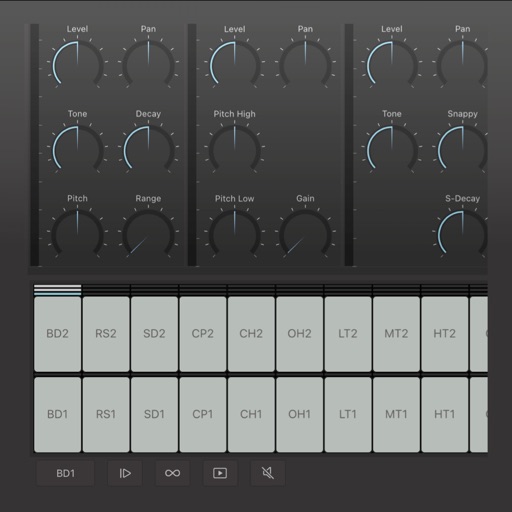
Create and edit drum patterns using 27 drum voices. Apply effects like delay, chorus, and reverb. Automate parameters and sequence 16-bar patterns. Save and load project files for later editing.
Simulate the ANS synthesizer by drawing spectrograms to create music. Adjust parameters like pitch, amplitude, and envelope. Play back compositions and export audio files. Learn about the history and unique capabilities of the ANS instrument.