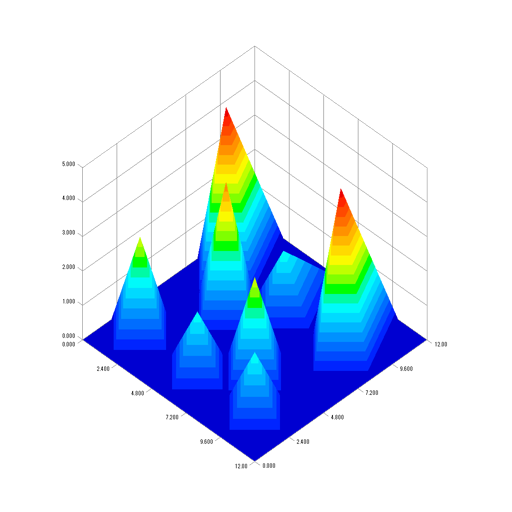
Create publication-quality plots from data tables. Import data via copy-paste or drag-and-drop. Choose plot types and customize styles. Export images in various formats. Share plots directly or integrate with documents.
by John Nairn★ 0.00 ratingsProductivity$9.99Data updated 2026-09-08
Learn Python 3.13 with interactive coding, local execution, and breakpoint debugging. Run examples and access learning materials. Fetch Git repositories and use iCloud. Share code via LAN using HTTP/FTP. Install Python libraries from PyPI.
Calculate heating system requirements for residential and commercial applications. Input system data to determine sizing and operating costs. Generate detailed reports for job specifications and energy savings analysis.
Create and customize grids with adjustable square or custom block sizes. Set canvas dimensions for accurate layout. Position and resize images within the . Adjust properties and view physical measurements. Submit feature requests directly from the .
Create full-length books, comics, and educational materials using AI-generated content. Define story elements like plot, characters, and genre. Edit and refine text. Export as PDF or share directly.
Professional screenwriting software for motion pictures.
The app provides tools for outlining, organizing, navigating, and collaborating on screenplays. It offers extensive formatting capabilities and robust tools for managing rewrites and revisions.
Track electricity usage and compare costs across rate schedules. Analyze usage data to identify the most cost-effective rate. Switch to a better rate to reduce energy bills. Supports EV owners and solar panel users.
Generate creative content for writing and art projects using AI. Create character backstories, plot outlines, and story scenarios. Produce unique headcanons, character prompts, incorrect quotes, and full story scenarios.
Create books by inputting a title and genre. Generate unique stories with AI. Edit and customize text. Export as PDF or share directly. Track writing progress and save drafts. Add illustrations and formatting options.
Take notes and write sentences with a simple, intuitive interface. Undo and redo edits to correct mistakes. Restore notes from update history. Move cursor and perform copy, cut, paste actions via keyboard toolbar. Designed for one-handed operation.