Create publication-quality plots from data tables. Import data via copy-paste or drag-and-drop. Choose plot types and customize styles. Export images in various formats. Share plots directly or integrate with documents.
by John Nairn★ 0.00 ratingsProductivity$9.99Data updated 2026-09-08
Create plots for film, theater, and events. Choose from a wide range of equipment. Arrange and adjust fixtures on a grid. Export designs for sharing or printing. Sync with Apple devices for seamless workflow.
Format scripts according to industry standards with automatic styling. Write in distraction-free mode with customizable layouts. Outline stories using an advanced beat-board tool. Collaborate in real-time with margin notes and feedback integration.
The app monitors complex project progress by capturing field data and automating reports. It provides real-time progress information and visualizes analytics, integrating project schedules and plotting issues on plans.
A that scrolls text as you read. Display scripts on iPad with Zoom in multitasking mode. Overlay text during video calls. Free for scripts up to 750 characters. Works on all iOS devices.
Mark picture dimensions and add notes with customizable labels, lines, and fonts. Batch import and export images in PDF, JPG, or ZIP formats. Organize files into folders. Use a magnifying glass for precise .
Create and organize notes with customizable themes and font sizes. Search for notes by content or tags. Sort notes by date or custom conditions. Share notes via email, Twitter, or Facebook. Link to other apps with a single tap.
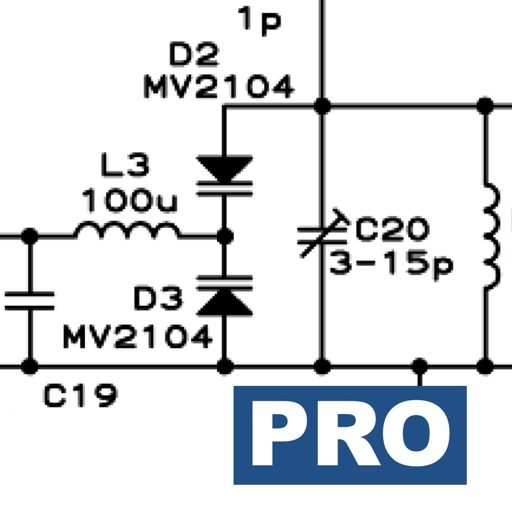
Calculate impedance and transmission line parameters. Analyze signal integrity and loss. Convert between frequency units. Simulate circuits. Calculate antenna parameters and resonance frequencies. Perform S-parameter calculations.
The app allows users to design, simulate, and learn analog and digital electronics. Its simulation engine provides real-time analysis, enabling users to interact with powered circuits and observe results instantly.
Resize images to reduce file with simple operations. Select and preview images, adjust quality and format options. Share resized images directly via email or other apps without saving to iPhone. Combine multiple images for lighter files.