The app manages timecode-based editorial notes for asset lists and cue sheets. It converts timecode formats and tracks scene timings for production and post-production workflows.
Perform basic operations on video timings including addition, subtraction, multiplication, and division. Support multiple timecode formats and convert between them. Store all calculations in a log for review.
Track project timelines with real-time progress indicators. Calculate act times and percentage completion. Email time data to colleagues instantly. Sync with editing software for seamless workflow integration.
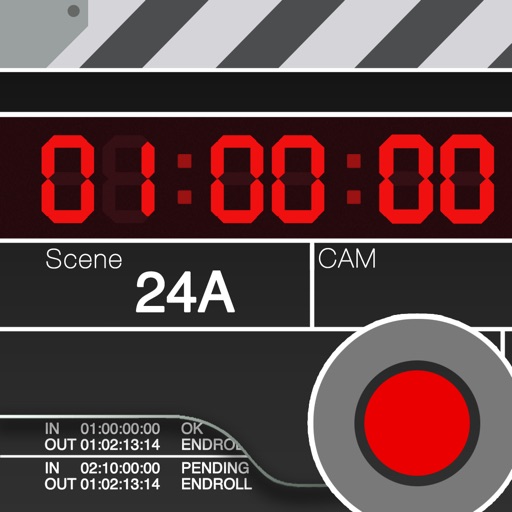
Is a clapperboard and recording sheet for image production. Users can input title, scene, camera, and director details. It includes clapper sound animation and supports global timecodes. Recording takes can be edited and saved in a list.
Sync with camera timecode or use running time-of-day to align devices. Log notes with one click to generate timecode markers. Export notes as CSV files for post-production use. Track scenes and interviews with timestamped entries.
The app records audio to WAV and CAF files with various sample formats and rates. It records metadata including project, scene, take, timecode, and channel names, generating HTML sound reports.
TC-1 allows users to manage timecode and scene numbers for video footage. It automatically synchronizes scene numbers and footage. Users can verify timecode and scene number alignment. The organizes material by syncing footage with scene numbers.
The app offers timecode overlays, markers, and safe areas for media playback. It supports importing from various sources including Camera Roll, iTunes, and web URLs.
The app records up to 256 audio channels to WAV and CAF files. It supports various sample formats, sample rates, and recording to multiple devices simultaneously, while capturing metadata like project, scene, and timecode.
The app performs basic operations on video timings. It allows users to add, subtract, multiply, or divide video tape pieces in multiple formats and convert values between formats without re-entry.
The app accesses Kollaborate cloud projects for video playback and note syncing. It offers timecode overlays, markers, safe areas, and masking for professional media review.
Edit videos using AI Auto Edit tools. Convert images to with AI Image-to- features. Apply AI Art filters for Vivid Anime and Fairy Classic styles. Use templates like Sunflare and AI Kissing for creative effects.
Record video with manual focus, shutter speed, ISO, and white balance settings. Capture in customizable resolutions, frame rates, and color spaces. Sync multi-cam sessions across up to four devices.
Determines current location and calculates daily prayer timings for the user's city. Displays current prayer highlighter on the first page. Provides configurable Azan notifications. Shows prayer for the next twelve days.
Create videos with AI tools. Add automatic subtitles from audio or . Convert text to speech with one tap. Apply unique AI voices to audio. Get song recommendations. Remove backgrounds around people and faces.
Documents, receipts, and images with high accuracy. PDFs, add annotations, and convert files to editable text. Create notes and documents using AI-powered writing tools. Organize and share files directly from the .