Apps Like Princess Coloring Book + for iPhone and iPad
Coloring book for young artists.
The app teaches children arithmetic, number recognition, and problem-solving through coloring activities. It offers various coloring modes, including by numbers, geometric figures, and letters, developing memory, attention, and imagination.
by Kedronic UAB★ 0.00 ratingsGames$4.99Data updated 2026-10-02
Create and color paper objects that unfold into origami scenes. Mix to generate new shades. Take photos of completed artwork. Toss paper balls for interactive . Share creations with others.
Practice addition, subtraction, multiplication, and division through timed challenges. Select operations to focus on and track progress with high scores. Complete exercises with colorful, engaging visuals.
Create drawings using realistic pencils and marker pens. Listen to drawing sounds. Navigate an intuitive interface. Access eight free sketches for coloring. Explore related apps in the drawing series.
Color images of princesses using a variety of hues and tools. Select from different illustrations. Customize colors and patterns. Save or share completed drawings.
Learn and through puzzles, coloring, and interactive games. Play with characters like animals and monsters. Pop balloons and shoot arrows to solve problems. Track progress and practice basic math skills.
Create colorful dots by tapping the screen. Watch them grow, change size, and disappear to music. Customize ripple speed and size. Draw shapes, letters, and numbers with dots. Improve hand-eye coordination through interactive play.
Coloring allows users to color pages of cities, houses, and trees. Each page is uniquely generated. Features include offline play, calming music, and no ads. Users can purchase additional coloring packages featuring vehicles.
Coloring allows users to fill pages with unique images of fruits. Choose from various line sizes and colors. Play offline without internet. Includes calming music. No ads or data collection. Purchase additional coloring packs in-.
Create custom puzzles from photos or choose from pre-made images. Arrange pieces to complete the picture. Develop attention, observation, and fine motor skills through interactive gameplay.
Kids can color, draw, and decorate with various brushes, crayons, and pencils. They can use stickers and graphics of animals, vehicles, insects, fruits, and food from multiple galleries.
Offers interactive pages with animations and sounds. Users can choose from classic draw, glow effect, color by number, and pixel art modes. Features include offline access, no ads, and simple controls for safe, uninterrupted play.
Kids can select pages from themed categories to create custom artwork. Color, print, and share creations with friends and family. Features include intuitive tools and options to save or print artwork.
Teach children to draw and color step-by-step through guided coloring . Select from segmented images with pre-chosen color palettes. Encourage creativity with interactive features and music support.
Learn letters, numbers, and shapes through interactive puzzles, coloring pages, and riddles. Engage with fun activities that teach alphabet recognition, number memorization, and basic shape identification.
Practice with addition, subtraction, multiplication, and division for numbers 0 to 9999. Solve mixed operations tailored to each grade level. Review historically recommended problems to improve skills. Use draft mode for calculation practice.
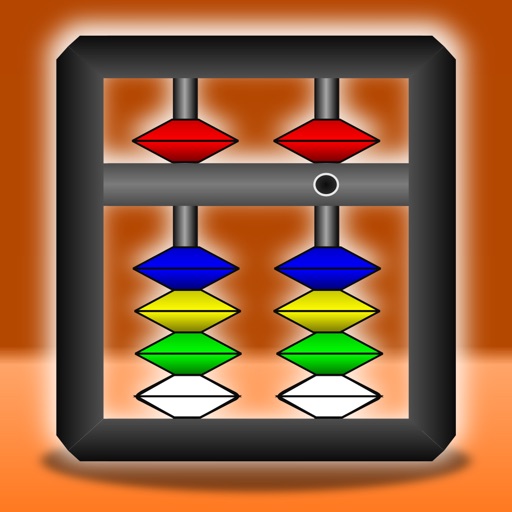
Learn basic counting and arithmetic using an . Perform single-digit addition and subtraction. Practice number recognition and counting skills. Track progress with interactive exercises and visual aids.