A clock displays the time clearly with customizable background photos. Users can switch between portrait and landscape modes. No advertisements are included.
by Pepijn van Rijen★ 5.01 ratingsUtilitiesFreeData updated 2026-09-08
Full-screen text display with portrait and landscape support. Save multiple messages. Smart word wrapping adjusts text layout. Reorder messages by dragging. Edit messages with double tap. Share messages as images.
Allows users to customize their with multiple -inspired themes. Users can select from 15+ background options and choose customizable fonts visible only on buttons.
Tune cellos to standard pitch with a visual needle and audible notes. Switch between automatic note detection and chromatic modes. Adjust tuning settings for precise pitch accuracy.
Displays current location with address, latitude, longitude, altitude, and time. Includes AR navigation and satellite map views. Share location data. Choose from 4 theme colors. Automatically updates location and unlocks screen.
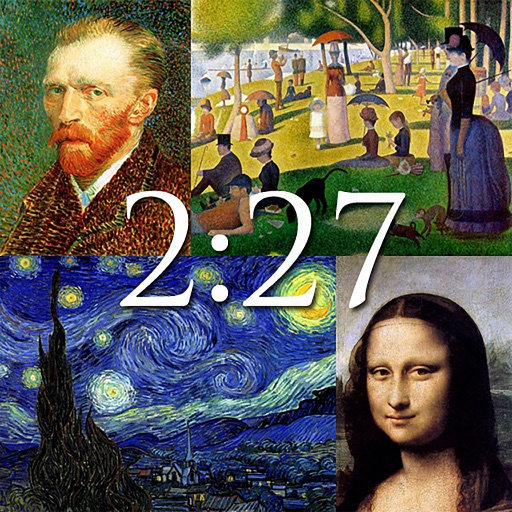
The app displays notable works of art from artists like Van Gogh, Monet, and Da Vinci. It functions as a clock with customizable backgrounds and a slideshow option, or users can save images as wallpapers.
Desktop displays time with a style and retro interface. Set focus mode to minimize distractions. Use countdown timer for tasks like cooking or workouts. Adjust settings for time zones and alarms.
Convert of measurement and currencies. Switch between currencies like USD, EUR, JPY, and GBP. Convert lengths, masses, volumes, speeds, areas, information, pressure, power, time, and temperature.
Set time controls for games with preset options including bullet, blitz, and classical modes. Customize time limits and increment settings. Track game duration and manage multiple timers simultaneously. Switch between portrait and landscape views.
Track time spent on tasks and link each task to a specific skill for skill development. Add new tasks by shaking the device. View progress on skill mastery through time logged and task completion.
The app converts swimming times for SCY, SCM, and LCM pools. It supports multiple strokes, distances, and time standards, with smart input and portrait/landscape modes.
Quick Phone : to trigger a loud ringtone, vibration, or flashlight. Locate phone even on silent mode. Customize alert settings for personalized responses.
Measure levels in real time using decibels. Display minimum, average, and maximum values. Stop and reset the measurement. Customize background and text colors.
Control aircraft flight with gravity, rocker, trajectory, and headless modes. Capture photos and videos with voice, gesture, or VR controls. Apply filters and view real-time camera feed on the mobile device.
Track time with a timer, Pomodoro, and countdown features. Set customizable alarms that work even when the device is muted. Choose from stylish themes and focus tools to enhance productivity.
The app displays local time, Ethiopian local time using a 24-hour clock, and Ethiopian local time using a 12-hour clock. It helps clarify time differences and local conventions.
Set alarms with schedules and customize snooze duration. Choose vibration or fade-in sound. Select music or preset alarms for waking up. Use sleep timer with background music. Switch between 12-hour and 24-hour formats.
Track games with a real-time game clock that counts up or down. Record shots with time-stamped details including game clock and date/time. Edit shot information as needed. Export results via email or as a CSV file.