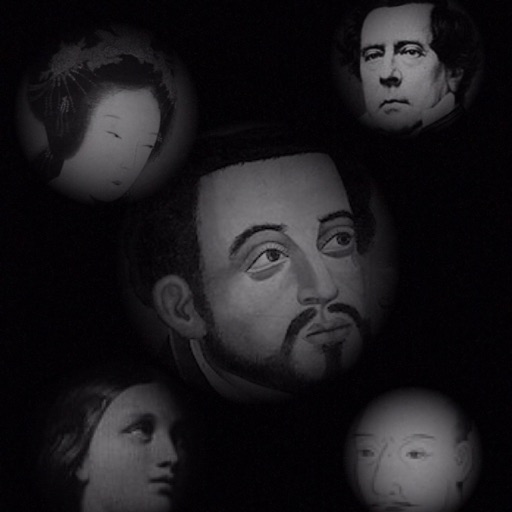
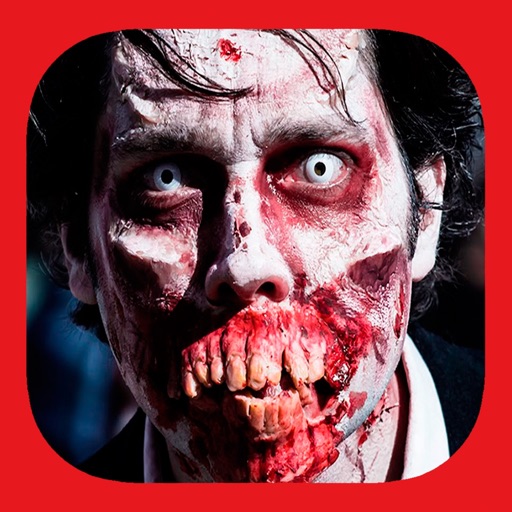
The app allows users to compose photos by combining images of people. Users can synthesize images in color or black and white, and adjust the size of faces using pinch gestures.
by Osawa Shunsuke★ 4.010 ratingsPhoto & VideoFreeData updated 2026-10-01
Apply flower to photos from your album. Choose from various like roses, daisies, and sunflowers. Add color filters and adjust appearance. Share edited photos with family and friends.
Record video and photos using up to three cameras simultaneously. Preview telephoto, super wide-angle, and standard lenses at the same time. Supports iPhone 12 Series and iPhone 11 Pro models.
Capture photos and videos with manual controls for ISO, shutter speed, and white balance. Shoot in RAW format for detailed editing. Apply advanced effects and instant color grading. Use professional filters to enhance visuals.
Create ID data from smartphone photos. Retake photos as needed. Save individual data. Export in print-ready format matching 4x6 size. Print at home using compatible printers.
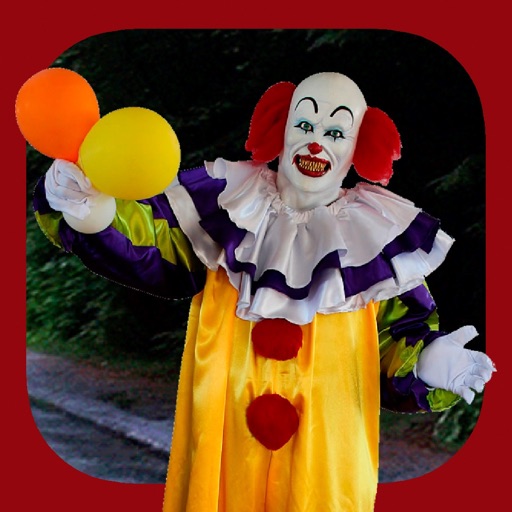
Add clown to photos for a scary effect. Choose from available , position them, and change background to black or white. Edit images using built-in tools and save or share the modified photos.
Upscale photos by 2×, 4×, or 8× using AI. Repair low-resolution images, retouch faces, and apply advanced enhancements. Supports macOS Tahoe 26 and works efficiently on M1/M2/M3/M4 chips. Export enhanced images directly.
AI photo editor allows users to remove objects, people, and text from images. Change backgrounds and retouch photos with AI tools. Edit faces and create avatars. Export edited images in various formats.
Edit photos and videos with move, rotate, scale, flip, and custom adjustments. Apply unique filters, effects, borders, and frames. Add text and stickers. Share full-size content directly to and other social platforms without cropping.
Take black and white photos with live preview. Use colored lens filters and professional conversion settings. Adjust contrast, brightness, and exposure in real time. Add film grain and black vignetting. Export images to social media and email.
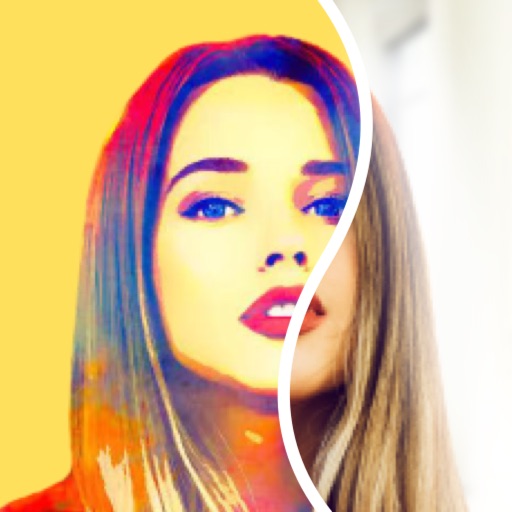
Create pencil sketches, oil paintings, and other artistic effects from photos. Choose from 13 styles including watercolor and comic black and white. Adjust colors and resize images. Export edited photos.
Edit photos with AI-based enhancements, sharpening, and colorization. Remove backgrounds and extend images automatically. Generate edited versions and create professional headshots. Estimate age and restore old black-and-white photos.
Add text to images using over 160 fonts, including non-Japanese and handwriting styles. Support emoji and customize character color with RGB values. Adjust text size via pinch gestures and swipe to navigate.
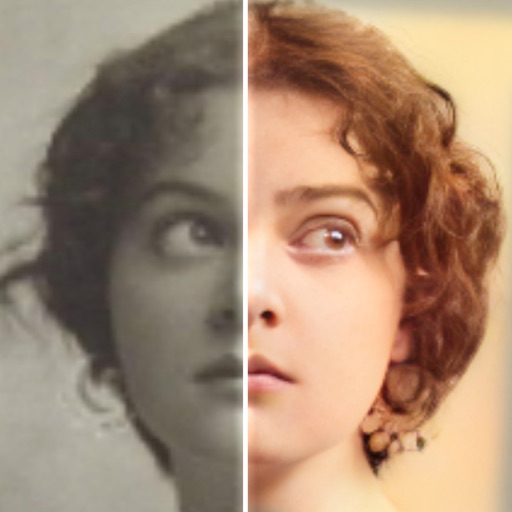
Edit photos with AI colorization, enhancement, and restoration. Remove scratches, tears, and blurs. Convert black and white images to high-definition . Adjust clarity and brightness. Share restored photos directly.
Edit photos with AI to replace faces and create memes or greeting cards. Use high-quality morphing for realistic results. Detect if an image is real with AI image analysis. Access templates of celebrities, historical figures, and memes.
Add to photos for a terrifying effect. Choose from over 200 sticker options. Adjust sticker placement and size. Change background to black or white. Edit and save modified photos. Share edited images directly.
Swap faces using high-quality AI templates. Apply filters and adjust facial features. Choose from trending templates. Export edited videos in various formats. Share directly to social media.
Create portraits that reflect personal style with customizable and synthesis tools. Adjust images using blur, resize, and text overlay features. Share edited photos directly to Twitter.