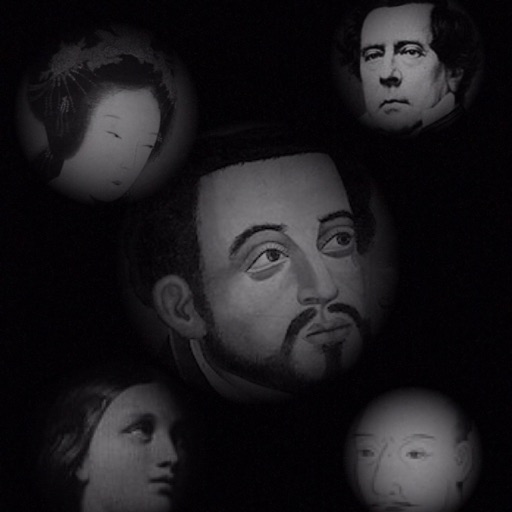
The app allows users to compose photos by combining images of people. Users can synthesize images in color or black and white, and adjust the size of faces using pinch gestures.
by Osawa Shunsuke★ 4.010 ratingsPhoto & VideoFreeData updated 2026-10-01
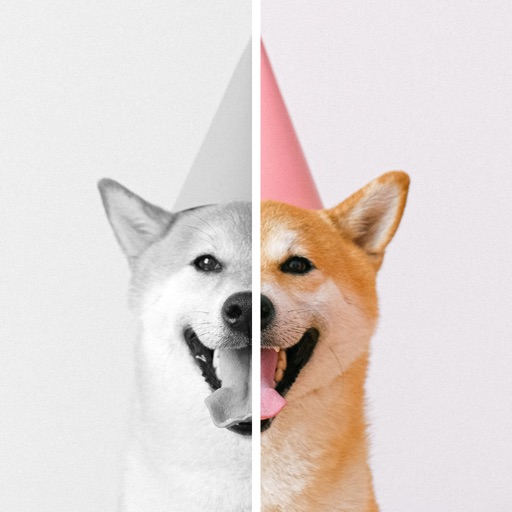
Restore old by removing scratches, spots, and fading with one-tap restoration. Colorize black-and-white images using deep learning. Enhance photo quality without internet connection. Edit and share restored images directly.
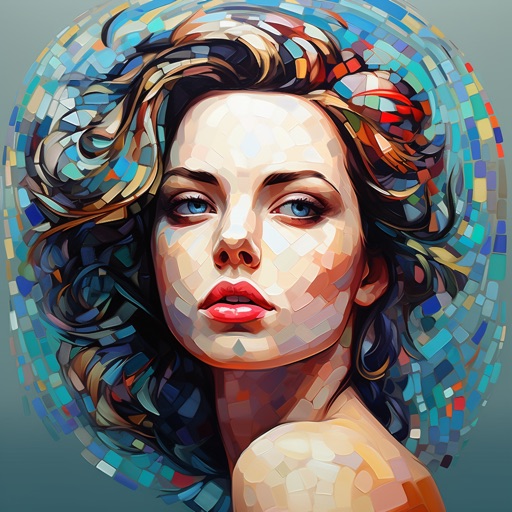
Edit photos by adding colors to specific areas. Use shape to highlight sections with desired shapes. Apply filters, adjust colors, and use brush tools. Undo and redo changes. Export edited photos in various formats.
Edit photos with filters, adjustments, and effects. and focus areas with finger movements. Crop, rotate, and add text or stickers. Adjust tone curves and apply splash effects. Save and share edited photos to social media.
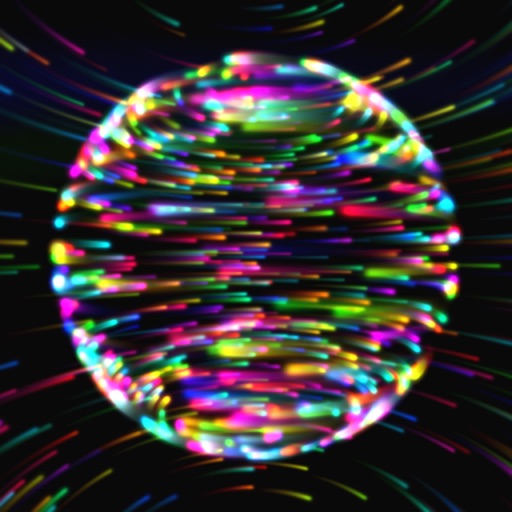
Explore 3D shapes by morphing between a dozen geometric objects. Customize textures, adjust color saturation, and control particle count. Pinch to zoom, rotate shapes, and modify blur settings.
Edit photos with vintage, color, black and white, and sepia filters. Import images from the library or capture new ones. Share edited photos to Instagram, Facebook, Twitter, and other platforms.
Stitch multiple overlapping photos into high-quality panoramic images. Use AI and machine vision for accurate alignment. Adjust exposure and color balance. Export in various formats and share directly.
Create collages, posters, and cards using templates. Add and arrange photos, apply different styles, and adjust details. Share finished designs directly or export in multiple formats.