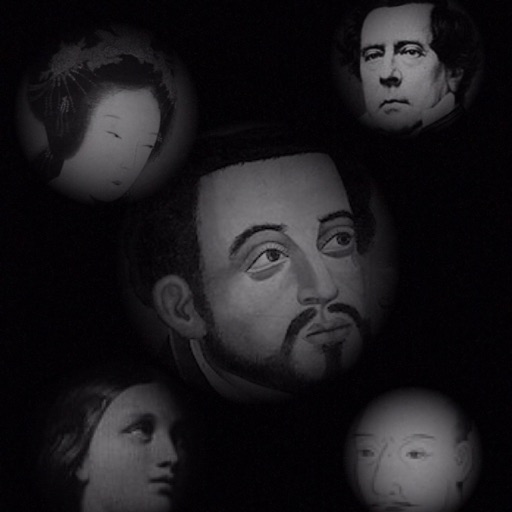
The app allows users to compose photos by combining images of people. Users can synthesize images in color or black and white, and adjust the size of faces using pinch gestures.
by Osawa Shunsuke★ 4.010 ratingsPhoto & VideoFreeData updated 2026-10-01
Convert images, sketches, or artwork into high-contrast black and white stencils. Adjust contrast and edges for precise results. Export stencils in high resolution for use.
Create reflection for photos with left-right, up-down, and repeating options. Apply cool filters and artistic frames. Edit images to generate twins and typography .
Edit photos with -style filters, , and color grading. Adjust exposure, contrast, and saturation. Save and share edited images. Access tutorials on composition and photography techniques.
Create game-ready 2D assets, textures, and skyboxes using text prompts. Generate unique characters and 360° environments with AI. Customize styles and details to match specific ideas. Export assets for use in games or projects.
Add to photos using over 63 customizable fonts. Customize , size, and color. Apply filters, stickers, and artwork to enhance designs. Save and share edited images directly.
Explore a whimsical with interactive outdoor scenes, dining areas, and lively marketplaces. Collect and customize dolls. Engage in mini-games and puzzles. Unlock new areas and items through exploration and tasks.
Edit photos with professional filters, effects, and frames. Retouch images with powerful tools like spot healing and color correction. Adjust brightness, contrast, and saturation. Crop, rotate, and apply stickers.
Edit photos with filters, masking tools, and multiple filter layers. Apply selective filters using advanced masking to create effects like color splash or tilt shift. Adjust and combine filters for custom results.
Create artistic images by masking subjects and separating them from backgrounds. Apply filters to subjects or backgrounds for dramatic effects. Adjust styles and textures to enhance visual impact. Share edited photos directly from the .
Convert photos to style with 16 customizable masks. Adjust colors and settings for detailed control. Save high-resolution artwork for print. Share creations socially. Supports iPhone, iPad, and iPod touch.
Edit photos with 3D and color effects to create立体 art. Apply special effects to enhance images. Save and share edited photos directly. Use fun and intuitive editing tools for creative customization.
And enhance old or low-quality photos using AI restoration. Fix blur, improve sharpness, and recover lost details with one tap. Colorize black-and-white photos with realistic color application. Upscale images for better clarity.
Edit photos with cartoon-style anime filters and portrait transformations. Colorize black-and-white images using AI. Remove or replace backgrounds with one tap. Enhance skin tone and texture with AI-powered retouching.
Create collages with customizable blur backgrounds and adjustable layouts. Apply filters like black and white, vintage, and retro to enhance images. Edit photos by resizing, cropping, or deleting elements.
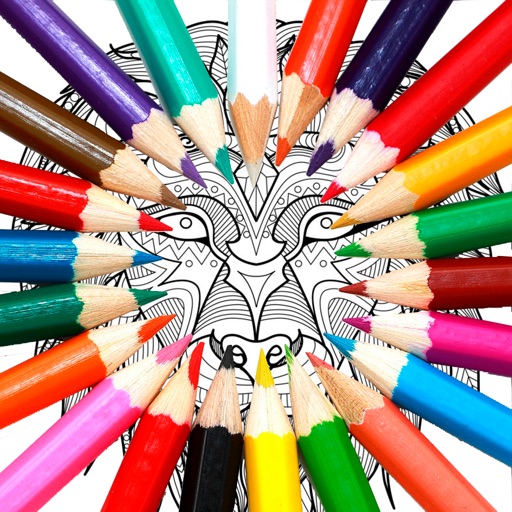
Book PRO allows users to color pages from various categories like animals, flowers, and mandalas. Users can access new images regularly. The provides 30 color palettes with 8 colors each. Users can save and share their artwork.