The app allows users to visualize new paint colors on their walls before painting. Users can try colors from a palette or sample real-world colors and apply them to photos of their home.
by Luminant Software, Inc★ 4.21,290 ratingsUtilitiesFreeData updated 2026-10-01
The app offers various paint strokes including single, double, triple, symmetrical, and star. Users can select characters like man, woman, house, car, ship, smiley, flower, and stars to add to their creations.
The app transforms photos into vibrant works of art by applying textures like oil paint, pencil, or watercolor. Users can share their creations via social media and email.
Allows users to convert images to black and white while emphasizing specific objects or colors. Users can open existing images or capture new ones with the camera. They can zoom and pan using two fingers or paint with one finger.
Pollux Bilisim Teknolojileri Sanayi ve Ticaret Limited Sirketi
Sketch on photos with AR
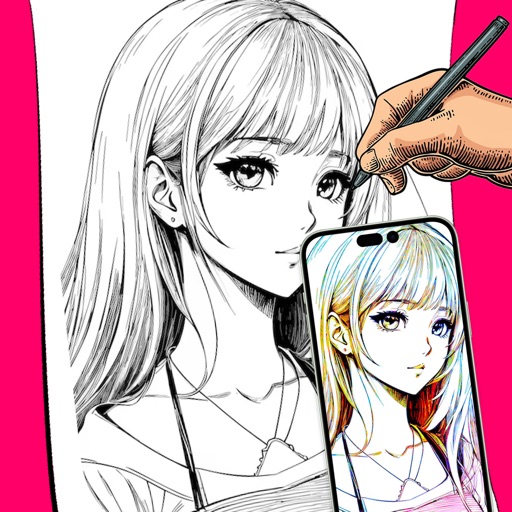
Use AR to sketch and draw on photos with realistic ink effects. outlines or create pencil sketches from images. Convert photos into artistic drawings with AI-powered tools. Save and share finished artwork directly.
Capture building dimensions and areas by taking a single photo. Measure walls, roofs, windows, and doors accurately. Export measurements and save project data for future reference.
Capture frames using front or back cameras with adjustable white balance, focus, and exposure. Paint on frames with customizable brush tools. Export animations in various formats and share directly.
Calculate metal weight for forms like round, sheet, tube, and rectangle. Support alloys including steel, aluminum, and gold. Perform paint surface calculations. Convert between piece and price per kilogram/ton.
The app provides tools for creating sketches, doodles, drawings, and notes. Users can record video of their painting process or narrate a completed book.
The app converts photos to grayscale while allowing users to selectively recolor portions of the image. Users can paint, zoom, and erase to create unique color splash effects and share their creations.
The app offers an educational game with many possibilities for children to paint selected animals. Users can use their fingers as pencils or crayons to discover color combinations and increase creativity.
The app allows users to add captions to photos using a selection of 12 distinct fonts. Users can also apply one-tap filters to change the mood of their images.